ShipAny Blog
Blog
Read latest product features, solutions, and updates.
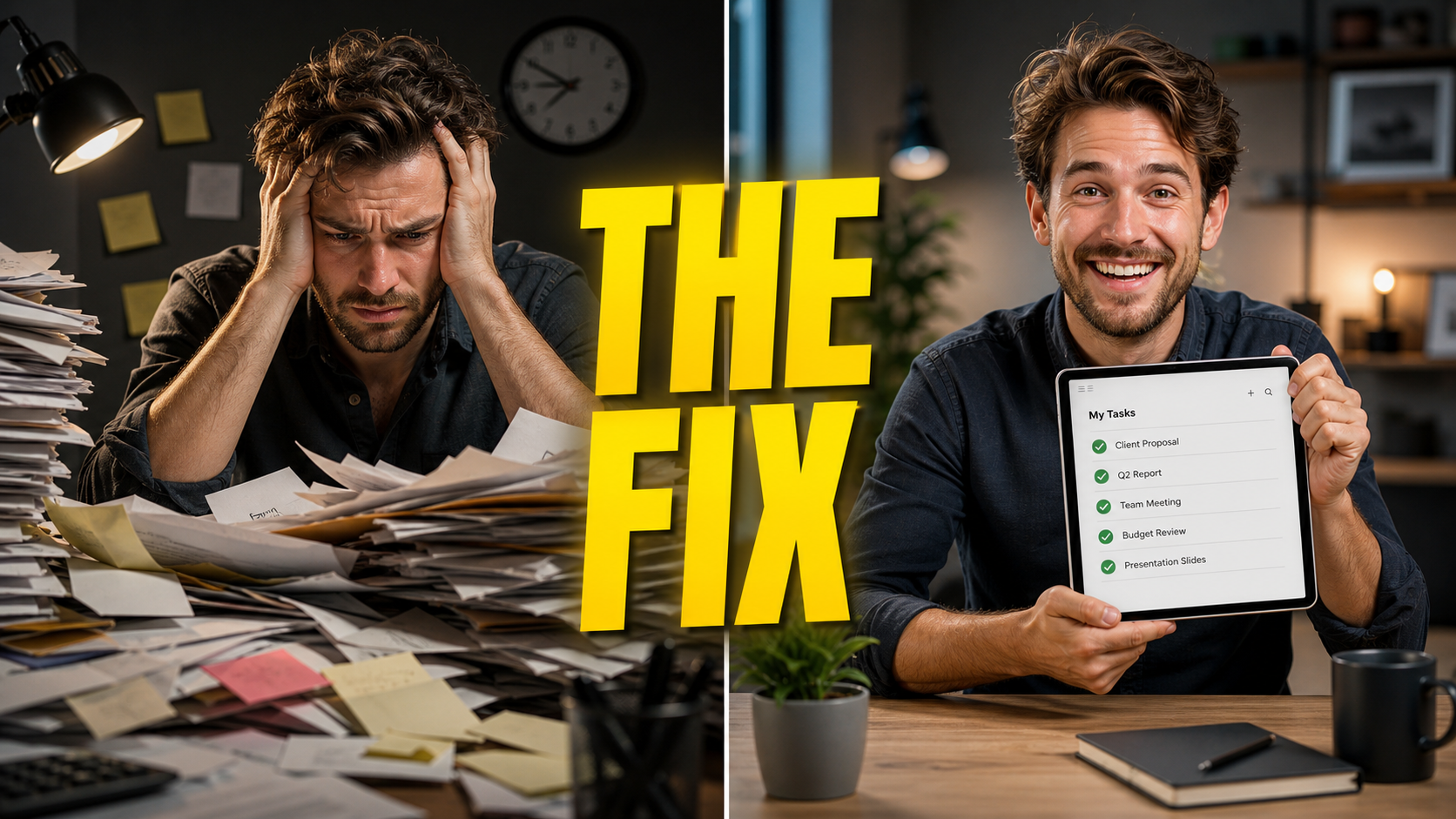
GPT-Image-2 in Practice: Design a Click-Worthy YouTube Thumbnail from One Prompt (Big Text + Reaction + Before/After)
Use GPT-Image-2 to generate high-CTR YouTube thumbnails — bold headline text, a reaction face, and before/after comparisons — plus the reliable trick for getting the text exactly right.
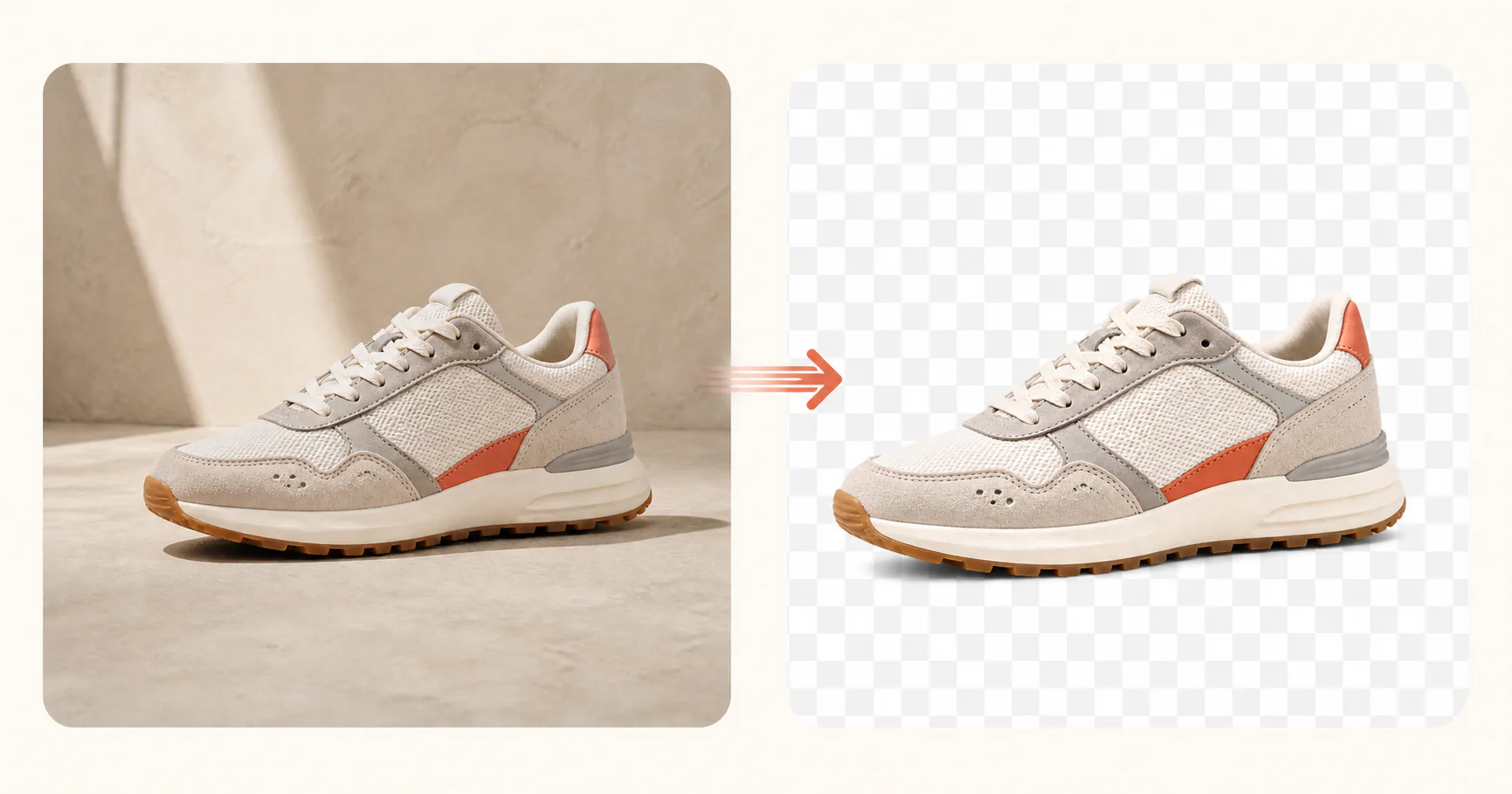
GPT-Image-2 Transparent Background Guide: Generate True Alpha-Channel PNGs in One Step
Learn how the new Background option in Image-2 works — Auto, Opaque, and Transparent modes explained, how to correctly generate transparent PNG/WebP files, and why writing "transparent background" in your prompt alone is not enough.
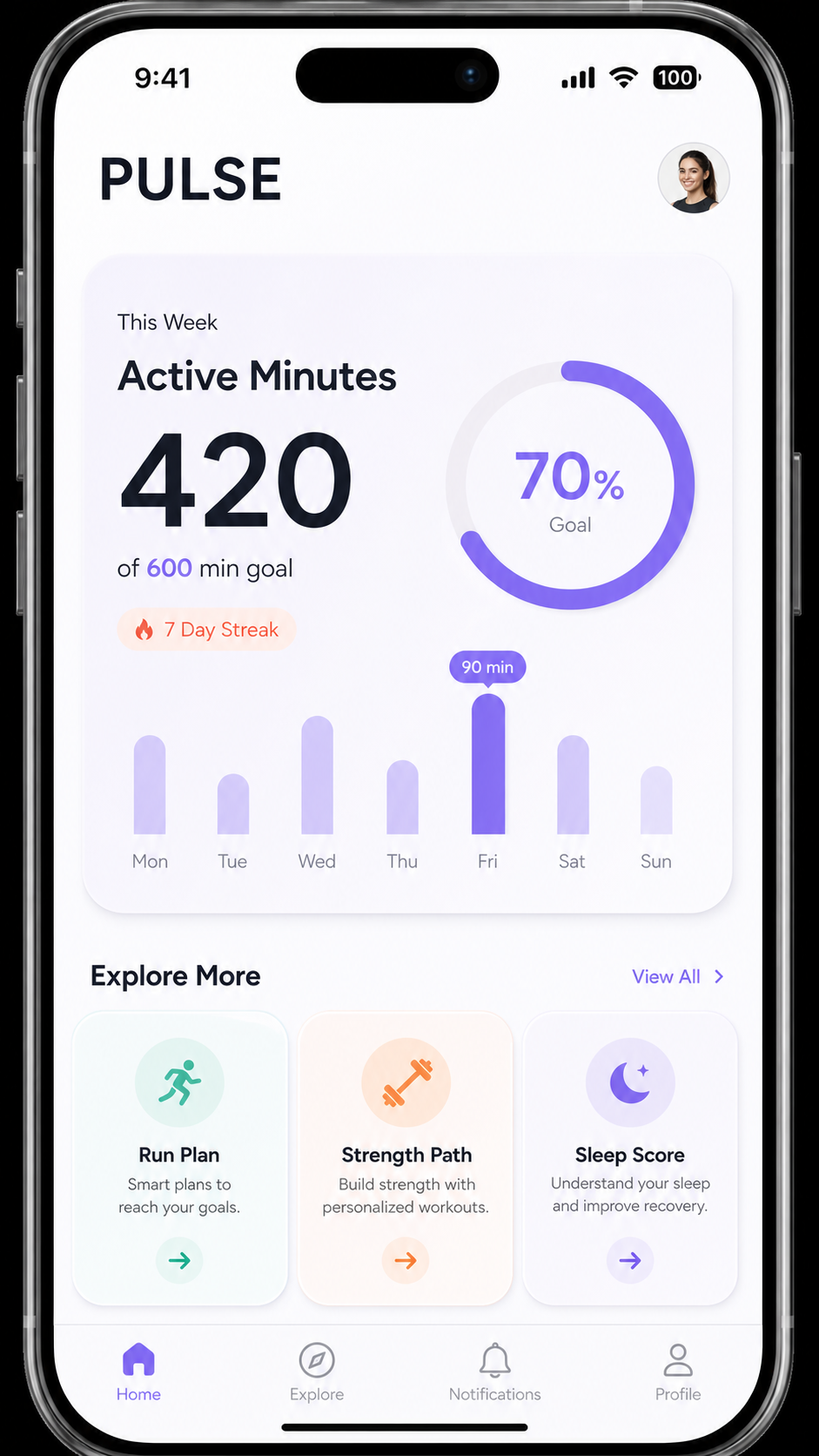
GPT-Image-2 in Practice: Generate App and Web UI Mockups from One Prompt (Mobile Screen / SaaS Dashboard / Landing Page)
Turn a product idea into a clean, high-fidelity UI mockup with GPT-Image-2 — mobile app screens, SaaS dashboards, landing-page heroes, and App Store screenshot sets — each with a copy-paste prompt and a matching template.
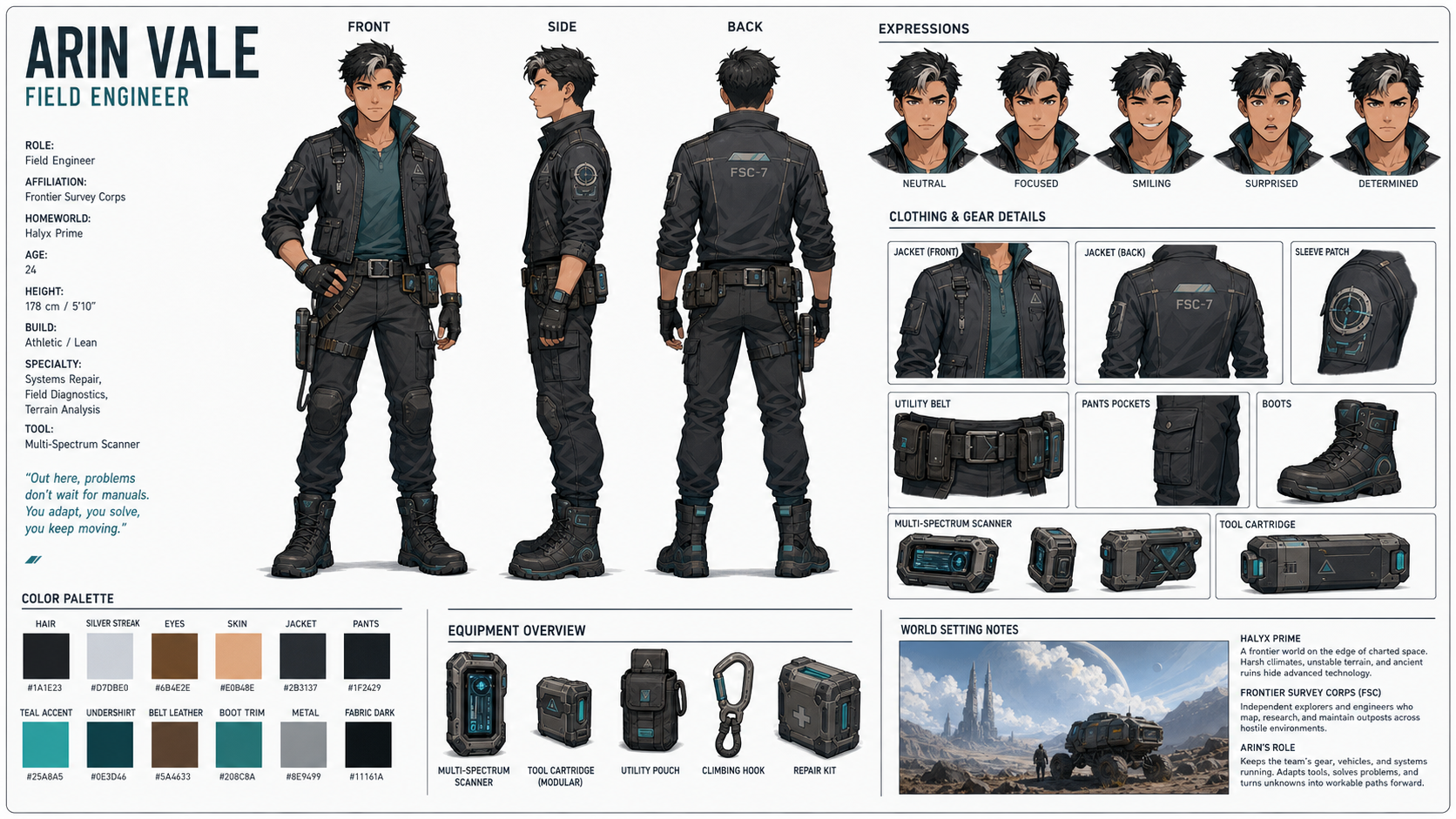
GPT-Image-2 in Practice: Design a Character Reference Sheet from One Prompt (Turnaround / Expressions / Style Directions)
Use GPT-Image-2 to generate a full character reference sheet — front/side/back turnaround, expression set, and outfit callouts — for animation, games, and comics, then reuse it to keep the character on-model everywhere.
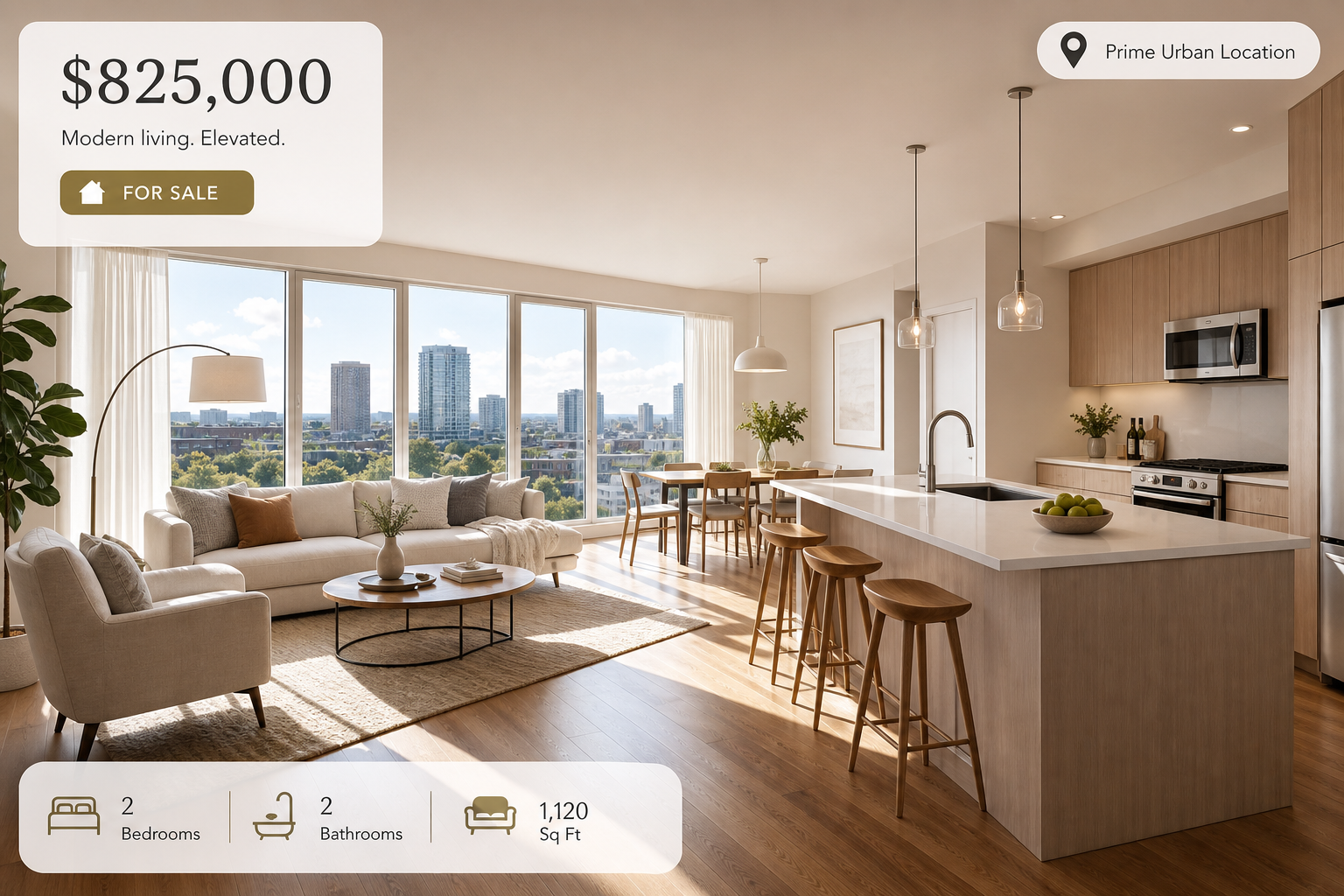
GPT-Image-2 in Practice: Virtual Staging and Interior Redesign from One Prompt (Listing Photos / Room Makeovers / Floor Plans)
Use GPT-Image-2 to virtually stage empty rooms, redesign interiors in a new style, generate listing hero shots, and render floor plans — for real estate agents, home stagers, and decor creators.
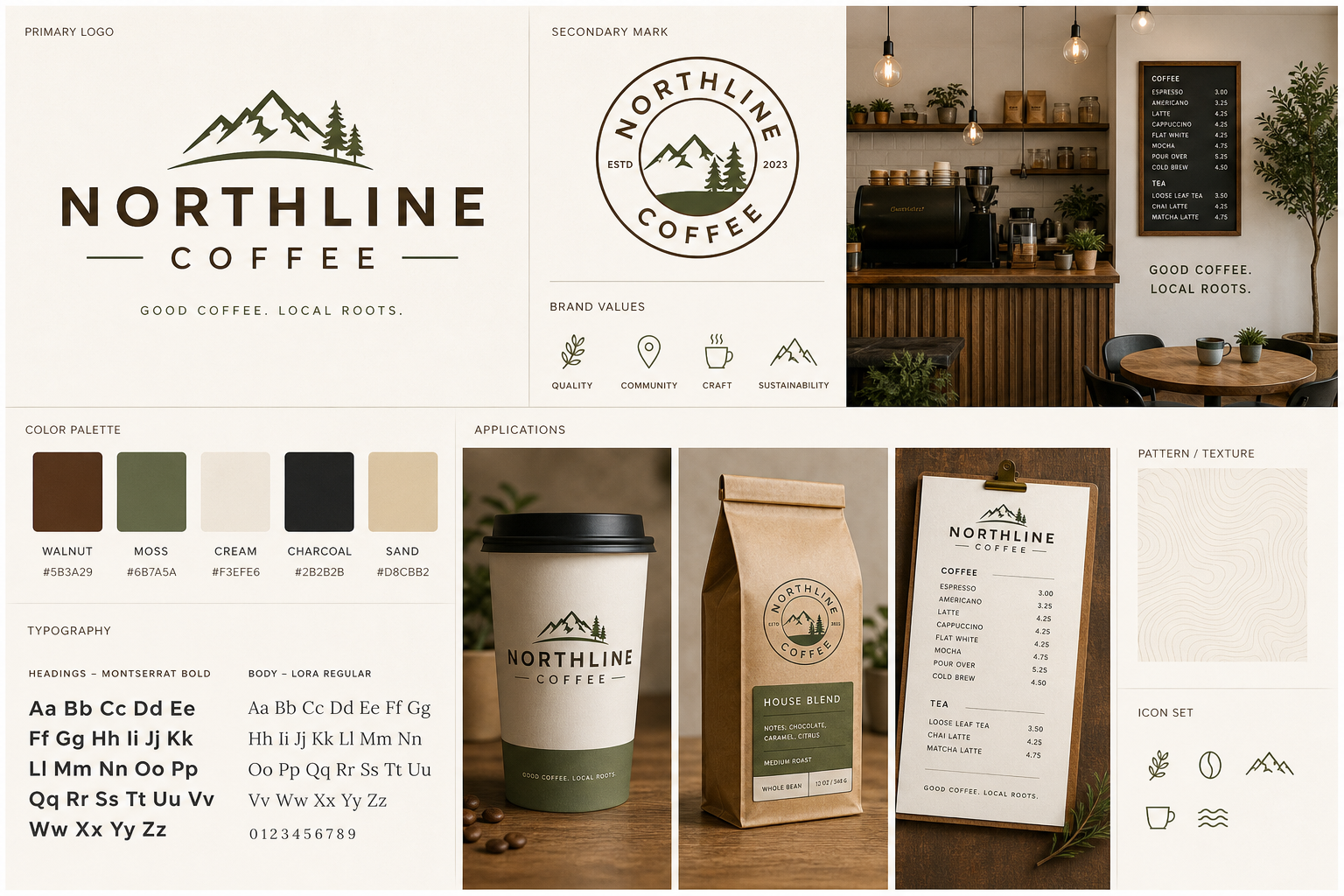
GPT-Image-2 in Practice: Build a Full Brand Kit for a Small Business in One Day (Brand Board / Logo Mark / Social Assets)
Use GPT-Image-2 to generate a cohesive brand kit — a brand board with logo, palette, and typography, plus matching social covers and packaging — for a cafe, shop, or personal brand, then extract the exact palette for reuse.
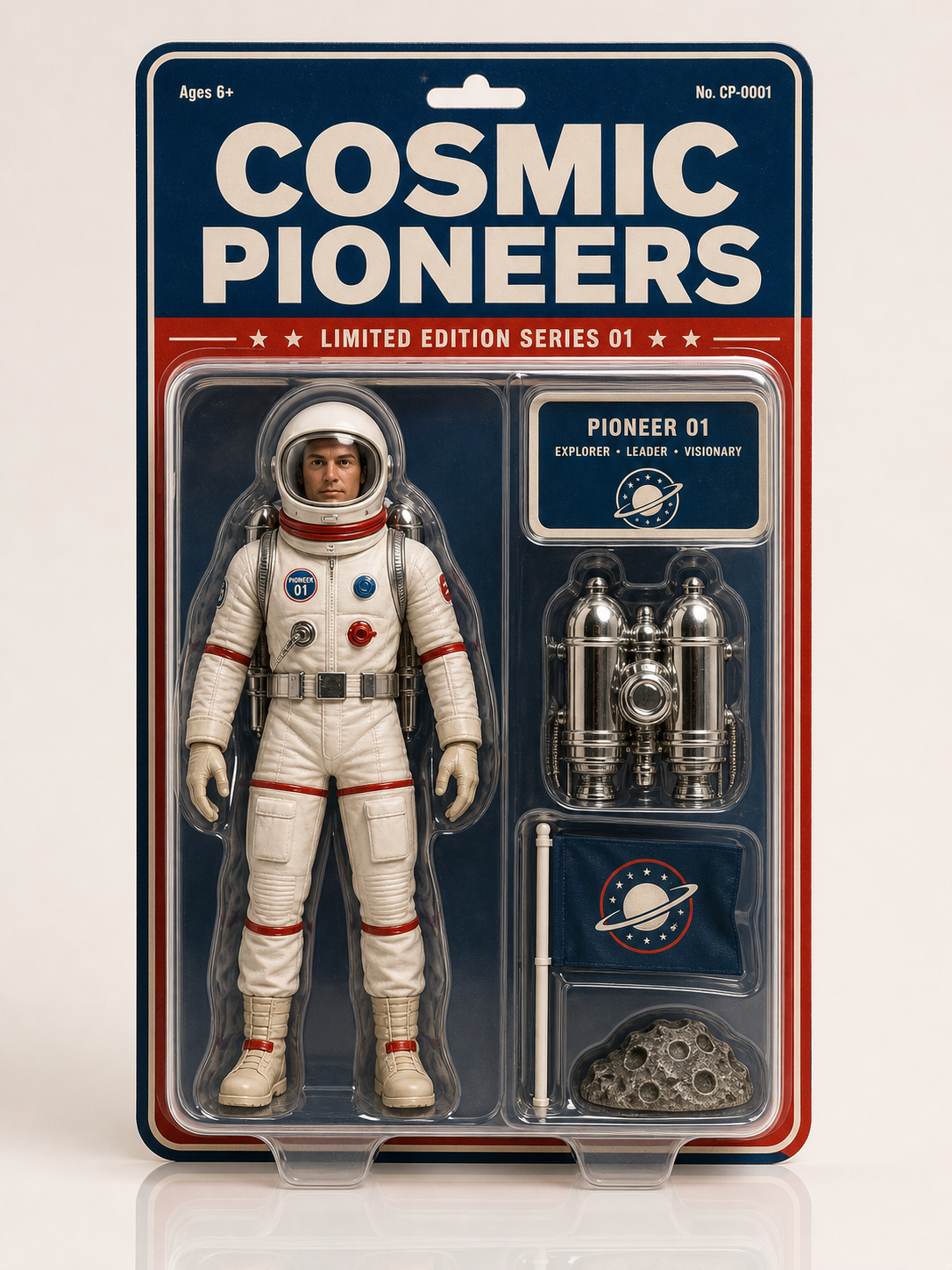
GPT-Image-2 in Practice: Turn Yourself (or Anything) into an Action Figure (Blister Pack / Vinyl Toy / Trading Card)
Ride the viral AI action-figure trend with GPT-Image-2 — turn a photo into a boxed collectible figure in blister packaging, a designer vinyl toy, or a holographic trading card, complete with accessories and a name label.
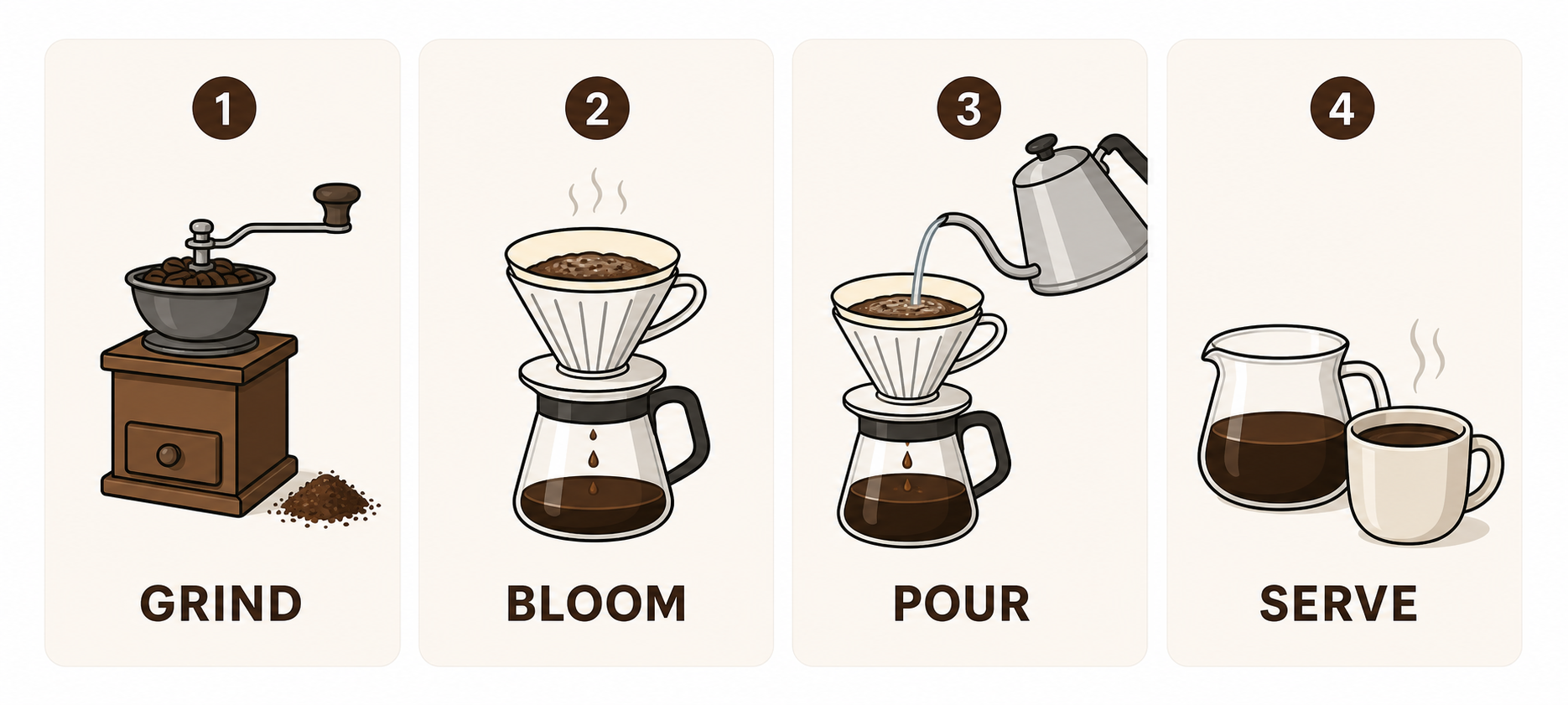
GPT-Image-2 in Practice: Make an Infographic from One Prompt (Process + Comparison + Data + Diagram)
Turn a concept, dataset, or process into a structured prompt and let GPT-Image-2 generate a clean, accurately-labeled infographic in one shot — covering process, comparison, data-story, and explainer-diagram types — plus how to slice a long graphic for social.
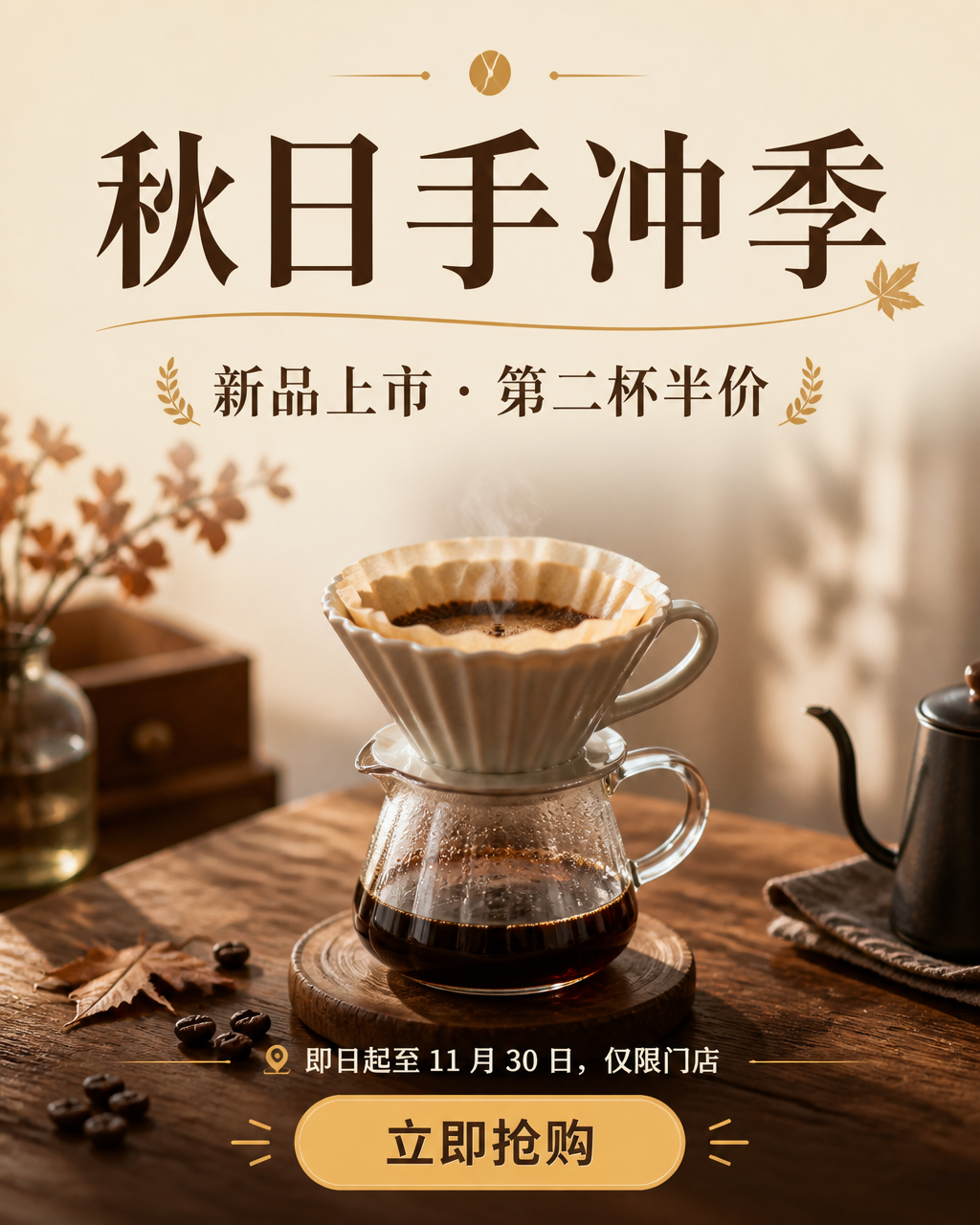
GPT-Image-2 in Practice: Make a Marketing Poster from One Prompt (Promo Poster + Social Cover + Video Thumbnail, with the Trick for Getting Text Right)
Generate a marketing poster with headline text from a single GPT-Image-2 prompt — covering promo posters, social covers, and video thumbnails — plus two reliable fixes for when text comes out wrong: verbatim quotes and a text-on-image second pass.
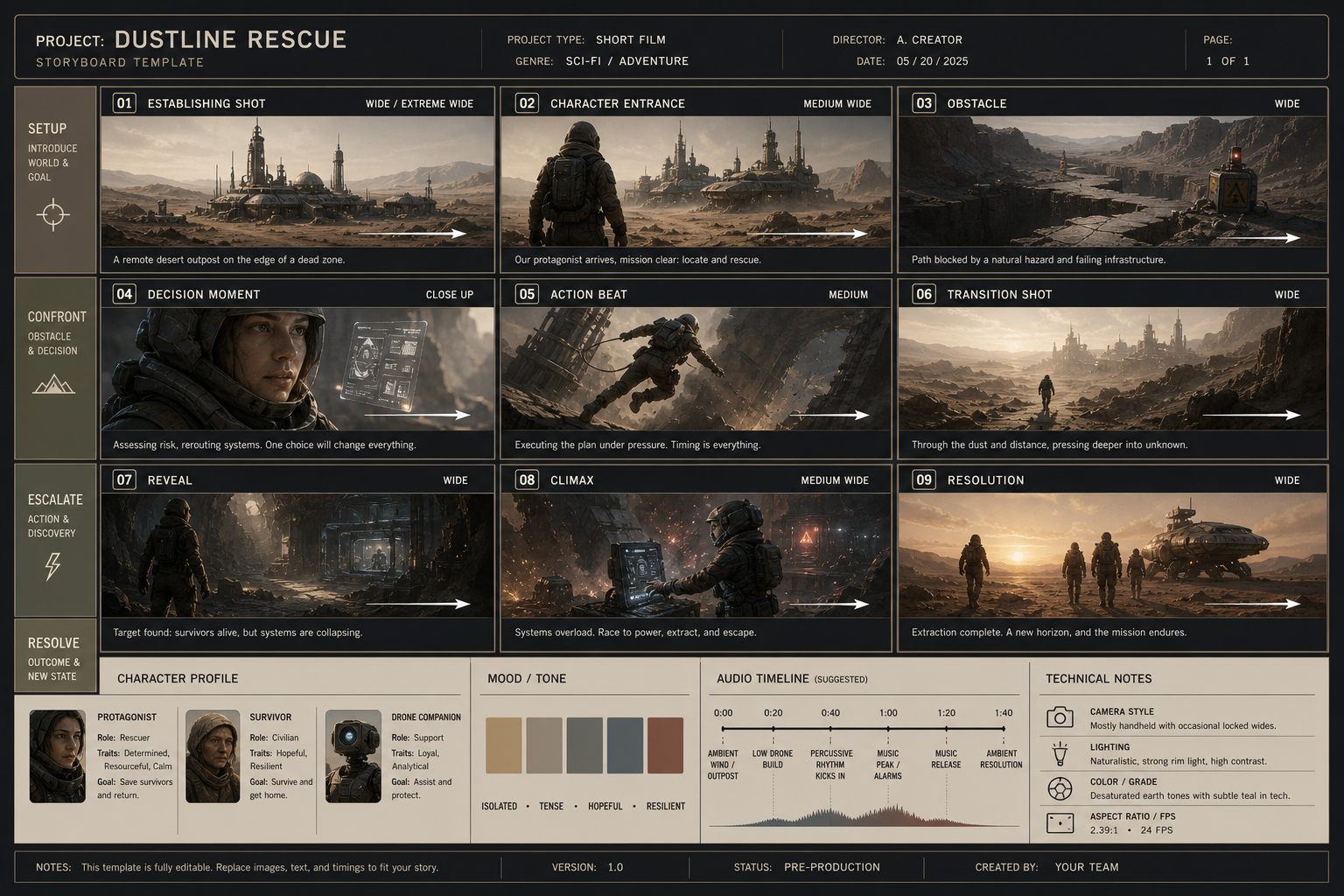
GPT-Image-2 in Practice: Generate a Pro Storyboard from One Prompt (9-Panel Template Included)
A step-by-step tutorial on turning a story concept into a structured prompt, so GPT-Image-2 generates a professional storyboard in one shot — with shot sizes, actions, and sound cues labeled, plus a reusable 9-panel template.
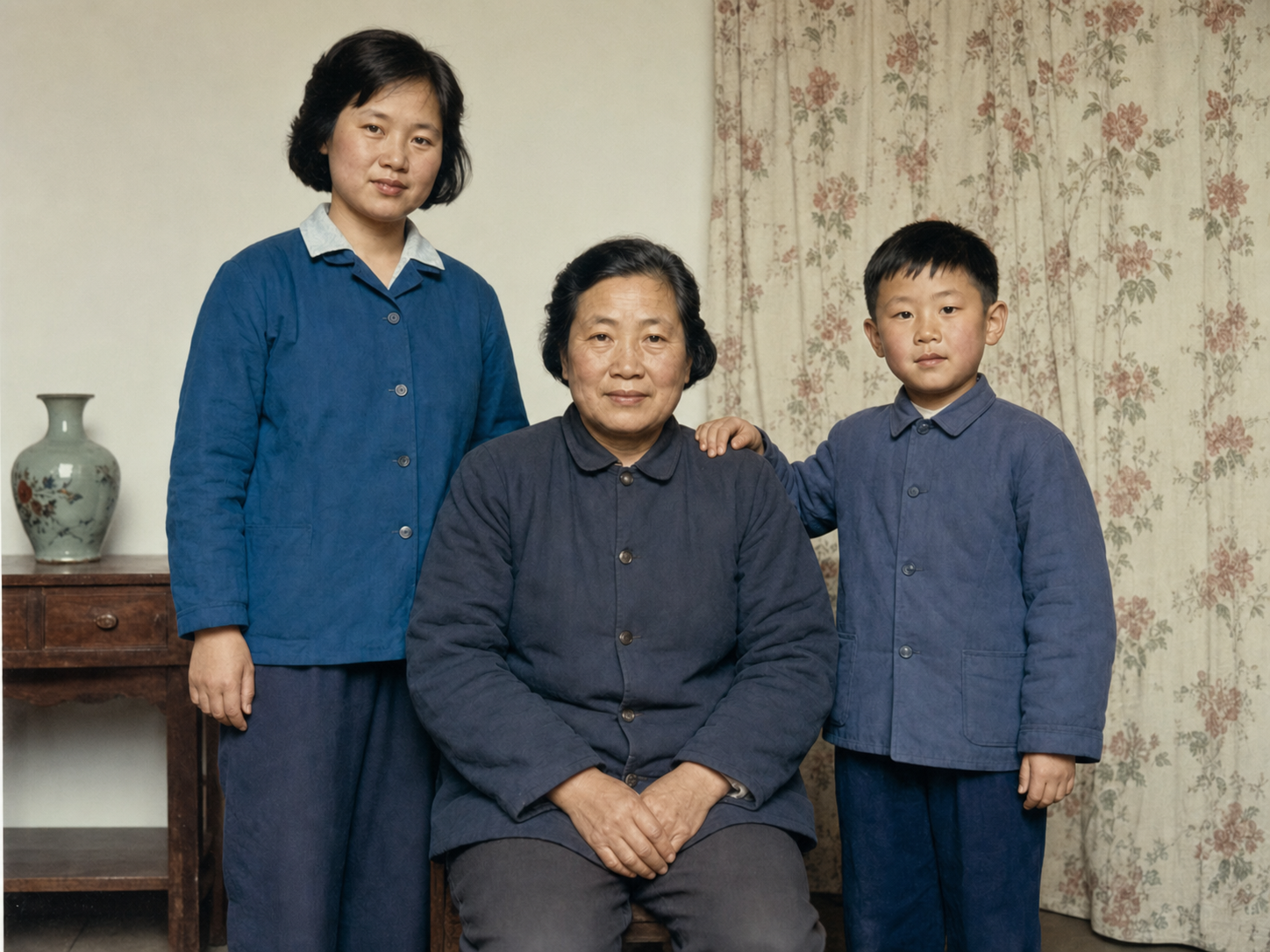
GPT-Image-2 in Practice: Restore Old Photos with a Single Prompt (Remove Scratches, Recover Detail, Colorize)
Upload a faded, scratched, or even black-and-white photo and let GPT-Image-2 de-damage, recover detail, and colorize it in one step — then upscale with Image Enhancer for printing.
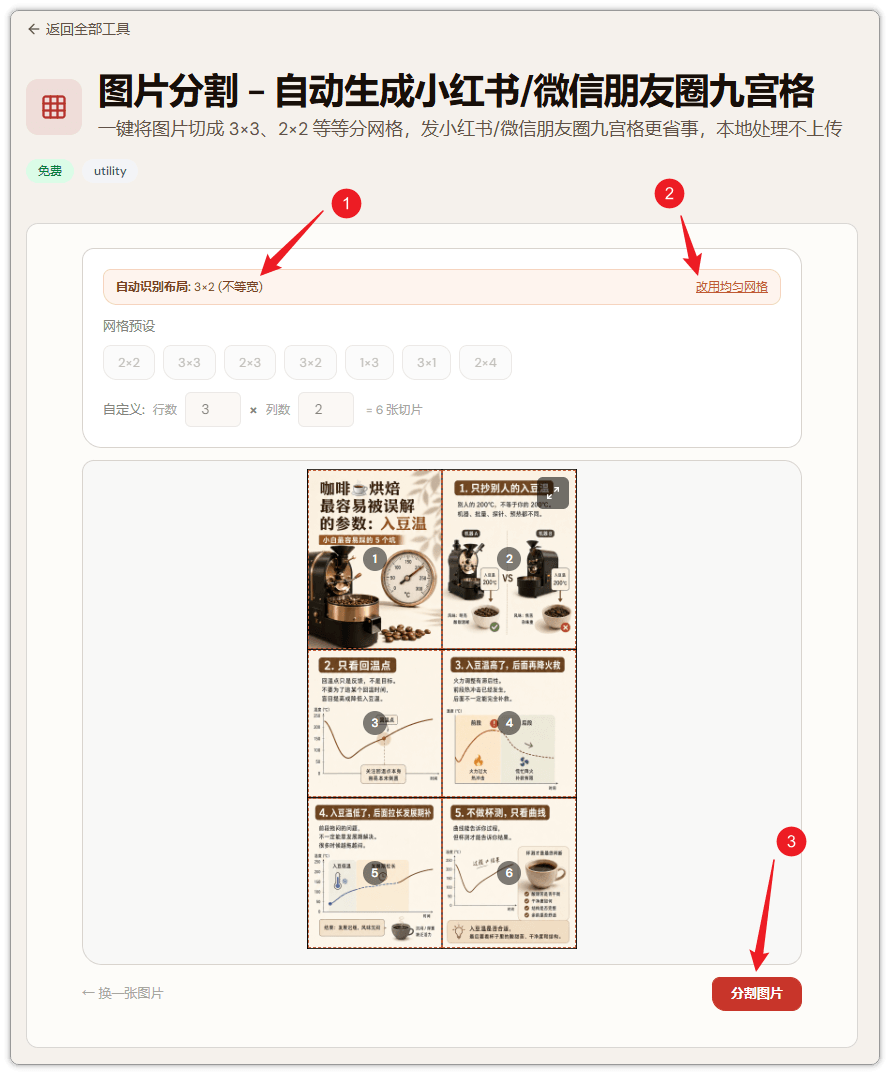
GPT-Image-2 in Practice: Build a Xiaohongshu Grid Post in 3 Steps (Auto-Splitting Included)
A step-by-step tutorial on using GPT-Image-2 to generate a 3x2 collage and automatically slice it into individual tiles for Xiaohongshu posts.