New: GPT Image 2.6 with animated GIF & SVG output

Generate image with AI, free

Type a description, pick a style, and get a high-quality image in about 40 seconds.

AI Image Generator

AI Image Generator
0 / 32,000 characters (Han characters count as 2)
Aspect ratio5 common
Image ratio 1:1, best for avatars, product hero shots, and square social posts.
Output format
Background
Resolution
Output: 1024×1024
Quality
Fastest and cheapest — good for drafts and quick tries.
What do you want to create?
Describe it in a sentence, or pick an example below to fill it in
How It Works

Three steps to any image

01

Describe your image

Type anything — a scene, a product, a portrait. The more specific, the better the result.
02

AI generates your image

GPT-Image-2 turns your description into a high-resolution image. You can also switch to GPT Image 2.5, GPT Image 2.6 or Nano Banana.
03

Download full resolution

Full-resolution downloads with no watermark. Every image you generate is saved in My history, so you can come back to it anytime.
Learn & Create

Creation Guides

Practical tutorials and ideas for creating better images with AI.
FAQ

Frequently Asked Questions

Yes — Image2 allows you to compress, crop, and convert images for free. Registered users can generate a limited number of images at no cost. We also offer paid plans for higher volumes and advanced features.
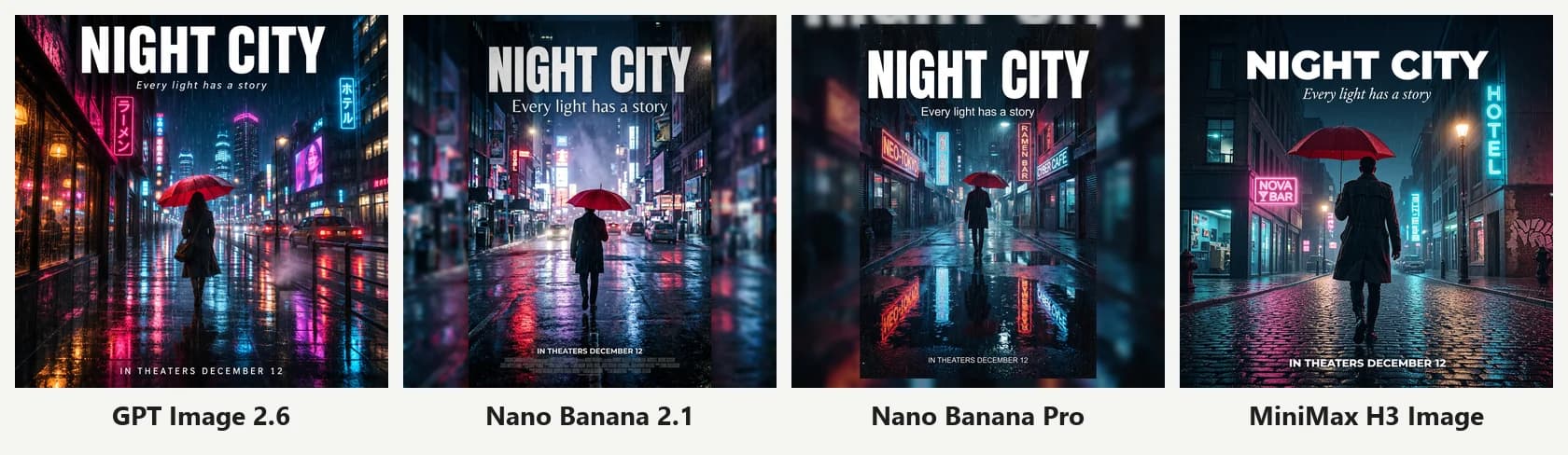
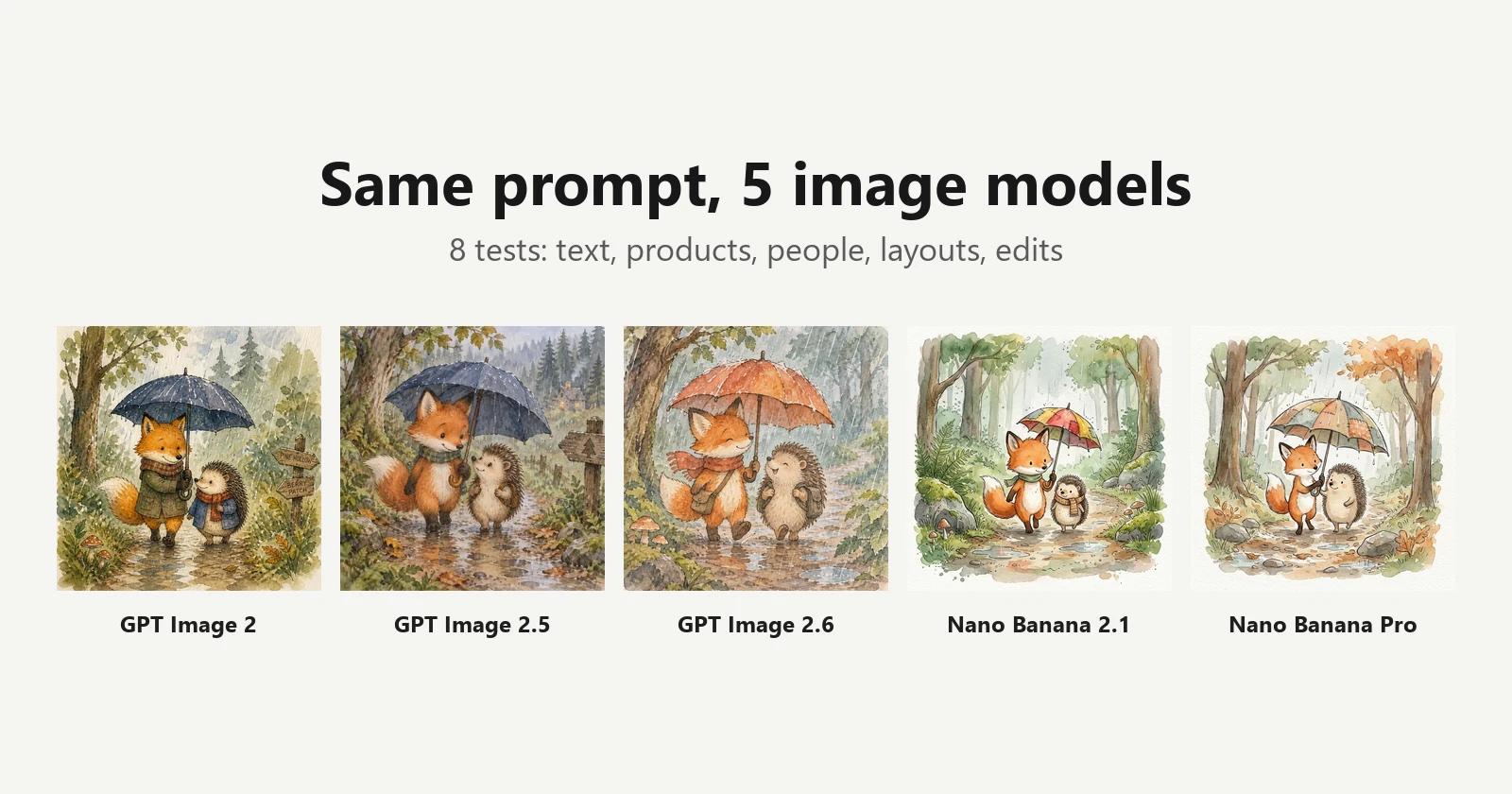
Image2 offers GPT-Image-2, GPT Image 2.5 and GPT Image 2.6 (which adds animated GIF and SVG output), plus Google's Nano Banana 2.1 and Nano Banana Pro. Choose a model in the generator's model menu; the credits for each generation are shown before you start.
Yes. You can describe the image in Chinese or other languages, up to 32,000 characters. If you want specific text to appear in the image, put it in quotes and say where it goes and how large it should be — the text comes out much more reliably.
Yes. Switch the generator to Image to Image and upload reference images: up to 16 for GPT-Image-2, GPT Image 2.5 and GPT Image 2.6, up to 14 for the Nano Banana models, 10MB per file. In the prompt, say what should stay the same and what should change.
We support PNG, JPG, and WebP formats. Generated images are available in multiple aspect ratios (1:1, 16:9, 9:16, 4:3) at high resolution. For uploads, files up to 10MB are accepted.
No. Credits aren't deducted when a generation fails or is blocked by content moderation, and tasks that never return a result are refunded automatically. See the pricing page for the full credit rules.
When you're signed in, every image you generate is saved in My history in the generator. You can view them anytime and reuse the original prompt and settings in one click.
It depends on the usage policies of the model provider (OpenAI or Google), our Terms of Service, and your specific use. If an image involves trademarks, real people's likenesses or other people's work, check the rights separately before using it.
Image2 doesn't need a ChatGPT Plus subscription or an OpenAI account — you pay with credits only for what you generate. The same generator also lets you switch to GPT Image 2.5, GPT Image 2.6 or Nano Banana, and offers 150+ prompt templates with sample images that you can apply in one click.
Besides the AI image generator, we offer over a dozen free online image tools — compressor, converter, cropper, images to video and more — with new ones added regularly. See the Tools page for the full list.
No signup is required for our free browser-based tools like compressor, converter, and cropper. You only need an account for AI-powered features that use credits, such as image generation.

Still have questions? Email support@image-2.net — we reply within 1 business day.