Generate image with AI, free
Type a description, pick a style, and get a high-quality image in seconds.
AI Image Generator
Start from a template
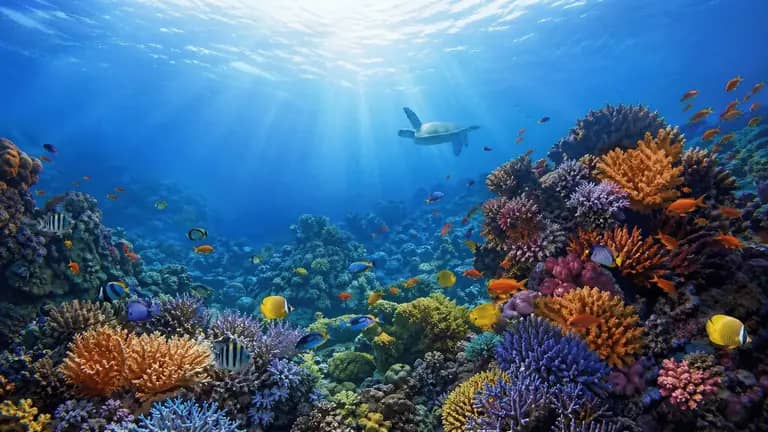
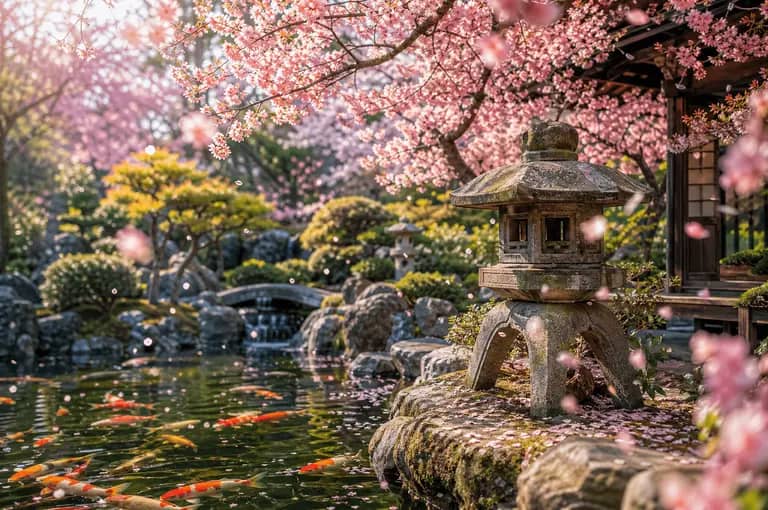
Three steps to any image
Describe your image
AI generates instantly
Download & use freely
Why Choose Image2?
Discover what makes us different
Lightning Fast
Creative Freedom
Privacy First
User Friendly
Creation Guides
Practical tutorials and ideas for creating better images with AI.
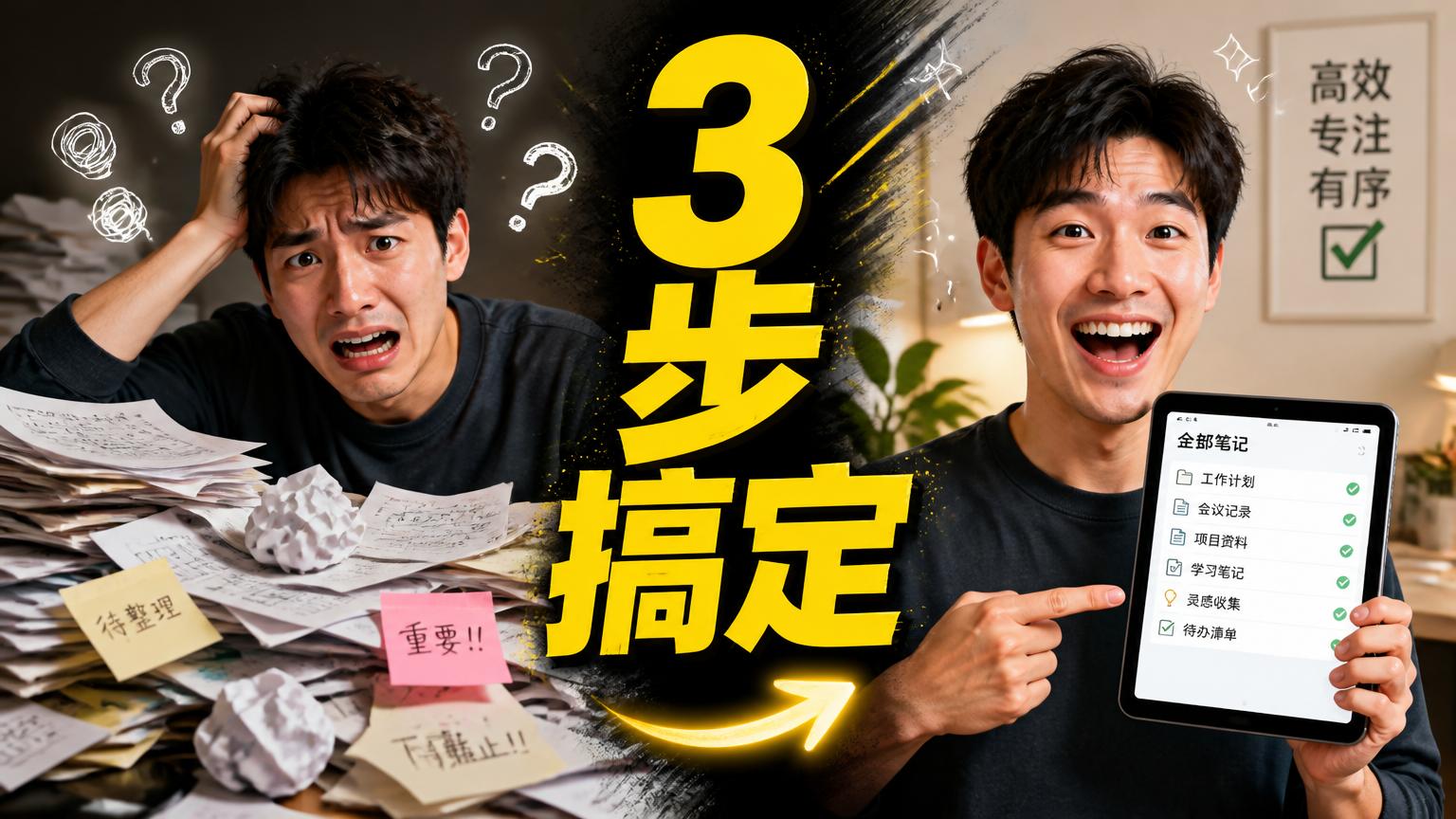
GPT-Image-2 in Practice: Design a Click-Worthy YouTube Thumbnail from One Prompt (Big Text + Reaction + Before/After)
Use GPT-Image-2 to generate high-CTR YouTube thumbnails — bold headline text, a reaction face, and before/after comparisons — plus the reliable trick for getting the text exactly right.
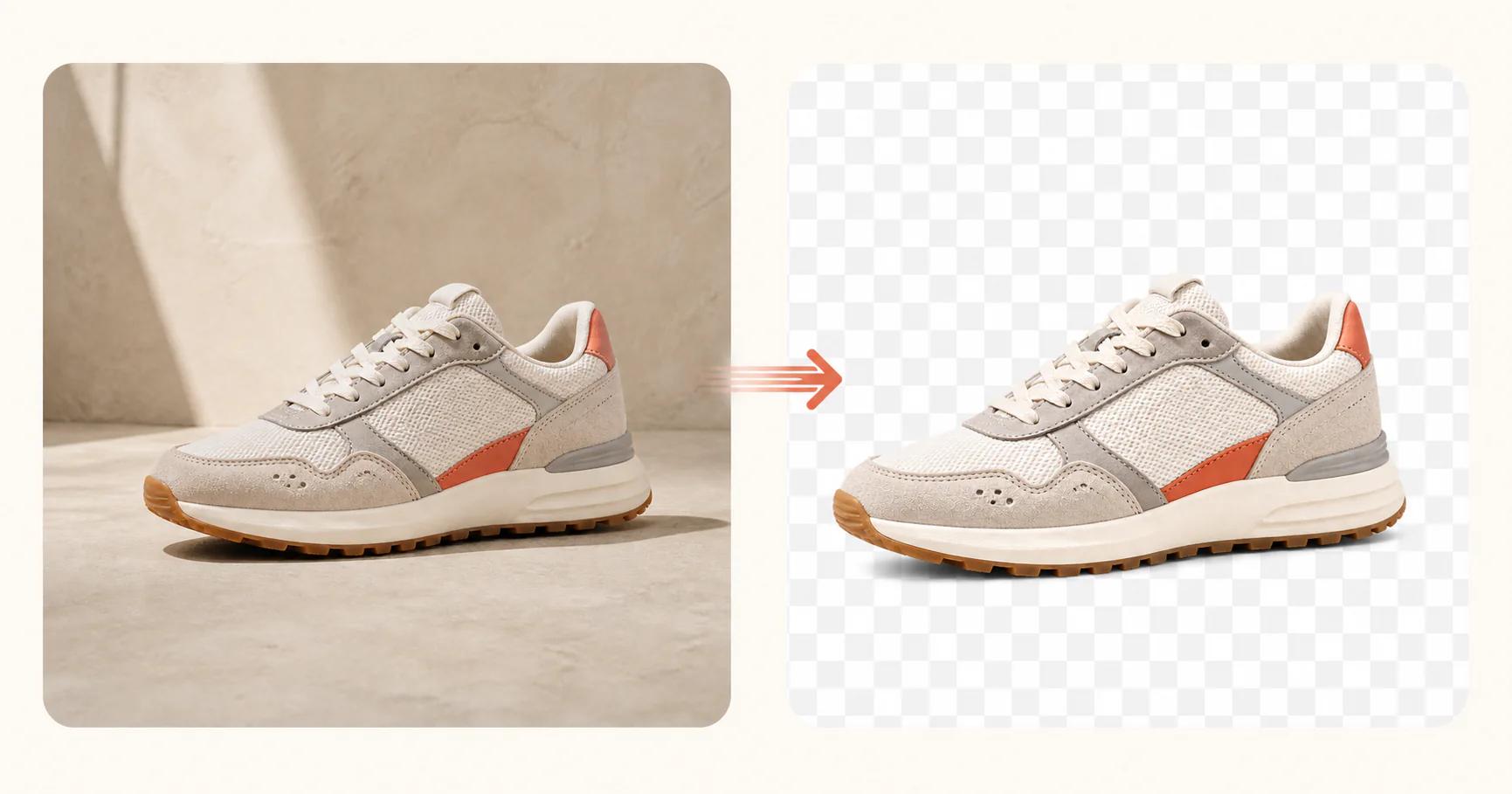
GPT-Image-2 Transparent Background Guide: Generate True Alpha-Channel PNGs in One Step
Learn how the new Background option in Image-2 works — Auto, Opaque, and Transparent modes explained, how to correctly generate transparent PNG/WebP files, and why writing "transparent background" in your prompt alone is not enough.
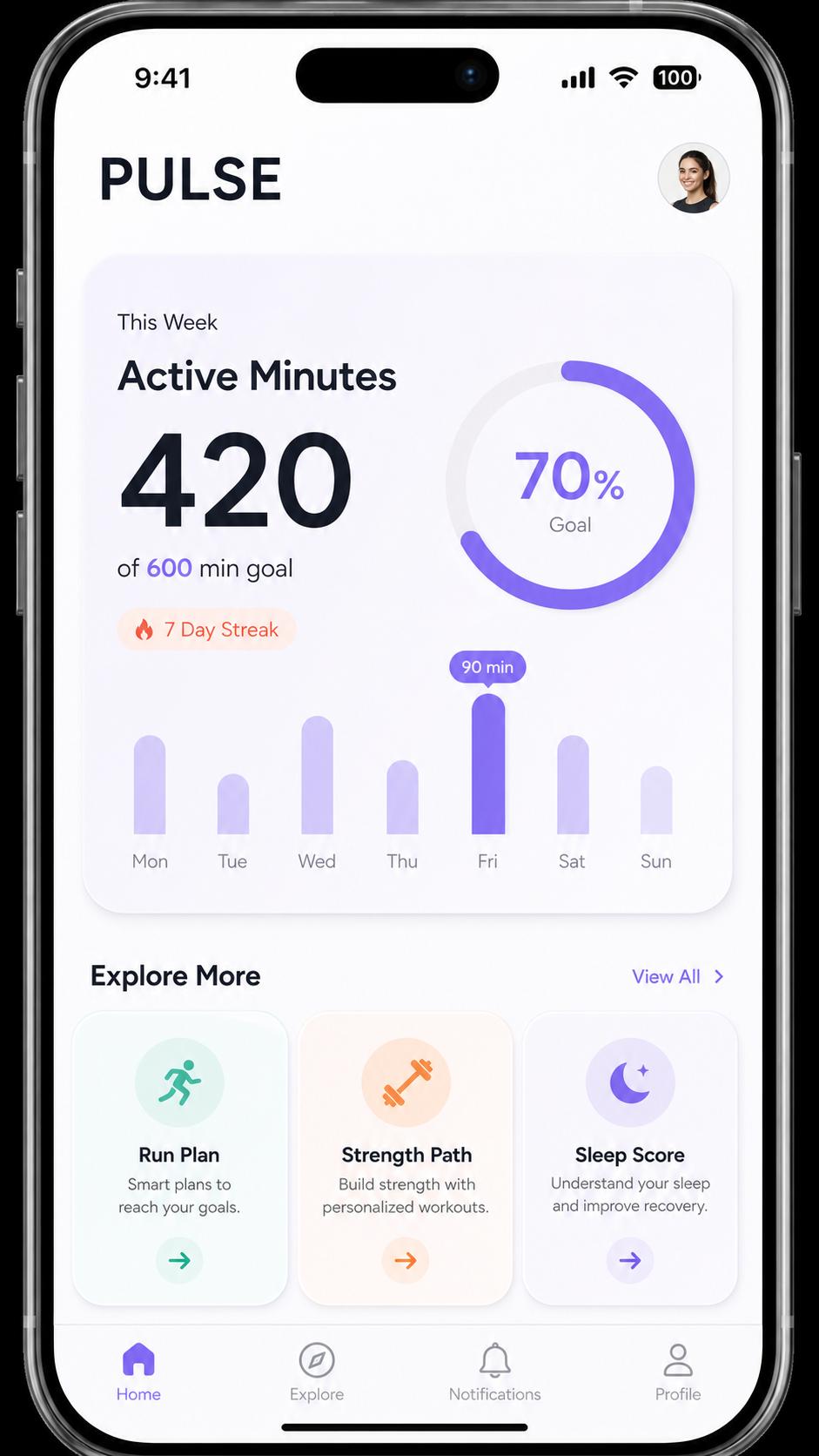
GPT-Image-2 in Practice: Generate App and Web UI Mockups from One Prompt (Mobile Screen / SaaS Dashboard / Landing Page)
Turn a product idea into a clean, high-fidelity UI mockup with GPT-Image-2 — mobile app screens, SaaS dashboards, landing-page heroes, and App Store screenshot sets — each with a copy-paste prompt and a matching template.
Frequently Asked Questions
Still have questions? Email support@image-2.net — we reply within 1 business day.
Featured Online Image Tools
Our most popular tools to get you started
All Image Tools
Browse our complete collection of AI-powered image tools