Create and edit images with MiniMax H3 Image
Describe an idea, or upload up to 16 reference images and say what to keep and what to change. MiniMax H3 Image is the image model MiniMax released in November 2026, built for realistic photos, posters, product shots and images with text.
MiniMax H3 Image generator
What MiniMax H3 Image can do
Start from a sentence or from your own pictures. Name the subject, the composition and whatever must stay the same, then adjust the prompt once you see a result.
Text to image
Describe the subject, scene, light and style. The model leans towards a photographic look, which suits portraits, still lifes and everyday scenes.
Up to 16 reference images
Upload people, clothing, products or scenes and say what each one is for, such as "dress the person in image 1 in the jacket from image 2, same background".
Prompt enhancement, on or off
On by default: the model expands your prompt into a detailed description before drawing. Turn it off in text-to-image to follow your wording exactly; it is always on when you generate from reference images.
Text inside the image
For a headline, label or sign, put the exact words in quotation marks. Check the spelling letter by letter before you use the result.
13 aspect ratios, 1K to 4K
Thirteen ratios from 21:9 to 9:21, at 1K, 2K or 4K. The model rounds the exact pixels itself: 1:1 at 1K is 1024×1024, and 16:9 at 2K is 2720×1536.
PNG, JPEG or WebP
Choose the output format. A 4K PNG can run past 20 MB per image, so pick JPEG or WebP when the picture is only going on a web page or into a chat.
Places to start
Besides the look, say where the image will be used and how the layout should work.
Realistic portraits and everyday photos
Product shots
Posters and covers
Combining several images
Standard or Highspeed
MiniMax H3 Image (default)
MiniMax H3 Image Highspeed
Compare on your own task
Three steps to an image
Describe the picture or add references
Choose settings and check the credits
Review, adjust and download
Prompt examples
Realistic still life
Poster with text
Outfit swap
MiniMax H3 Image tests and guides
Real test results with full prompts: how MiniMax H3 compares with GPT Image 2.6 and Nano Banana, and which settings to use.
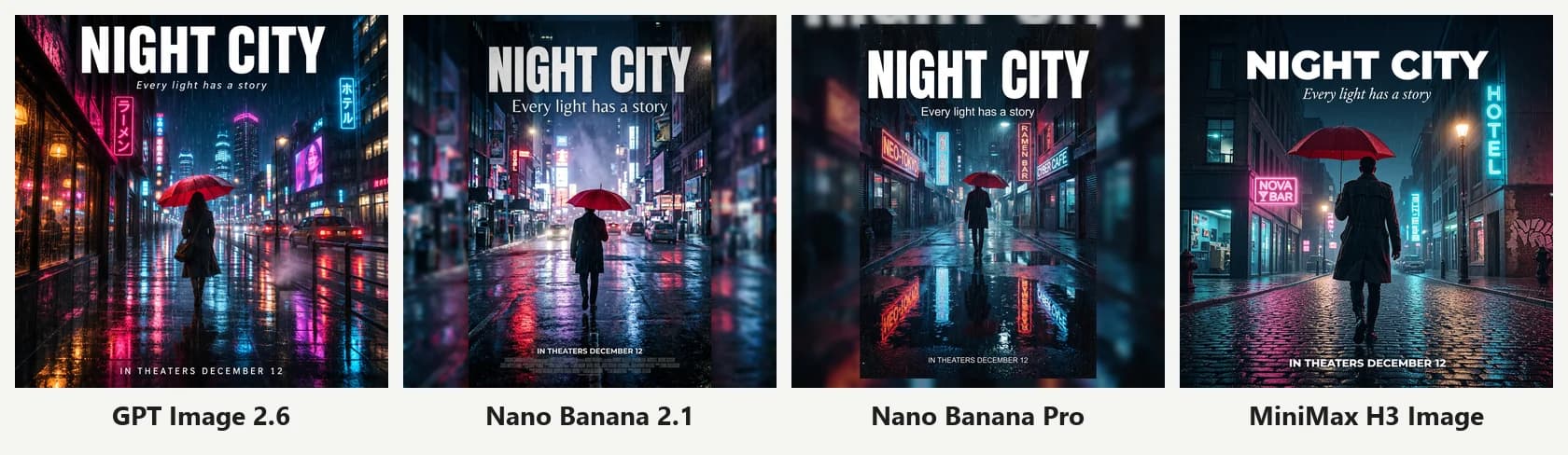
MiniMax H3 vs GPT Image 2.6 vs Nano Banana: 12 Same-Prompt Tests
MiniMax H3 Image just launched. We ran the same 12 prompts through MiniMax H3, GPT Image 2.6, Nano Banana 2.1 and Nano Banana Pro on Image2: English and Chinese text, product photos, portraits, infographics, watercolor, exact layouts, photo edits and multi-reference composites, with speed and credit cost for each.
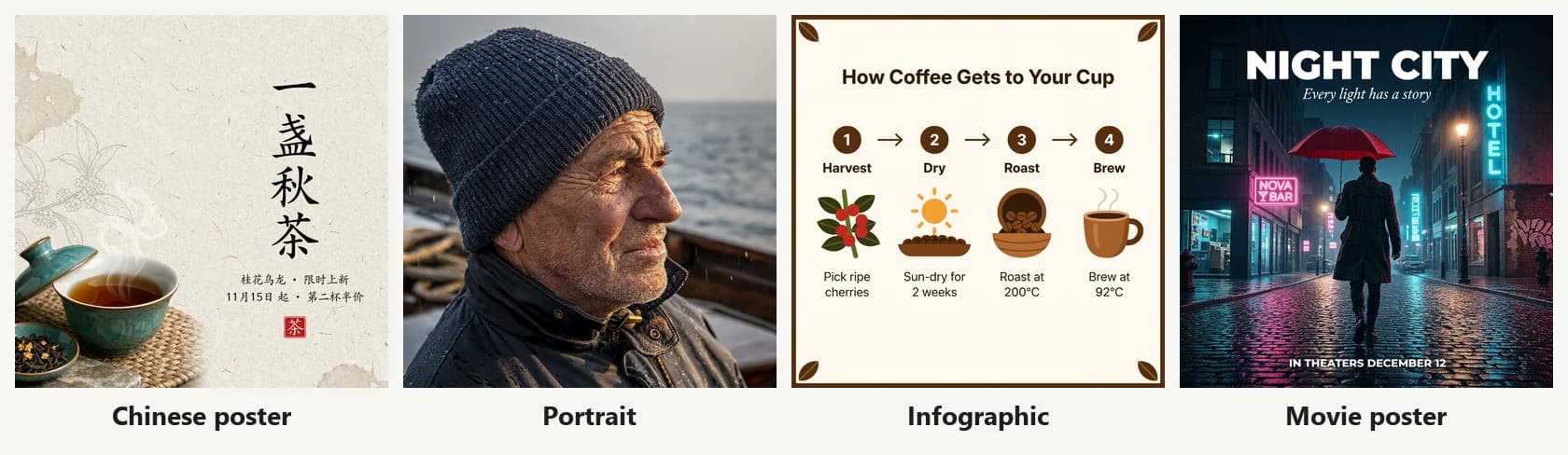
MiniMax H3 Image Review: Standard vs Highspeed, Prompt Enhancer On or Off, 1K to 4K
We generated 50+ images with MiniMax H3 Image on Image2 to test the standard and Highspeed models, the prompt enhancer on and off, 1K/2K/4K output, photo edits and multi-reference images. Real numbers, credit costs and tips.
MiniMax H3 Image FAQ
More questions? Email support@image-2.net.
Try MiniMax H3 Image
Name the subject, scene and composition, then check the credits in the generator.