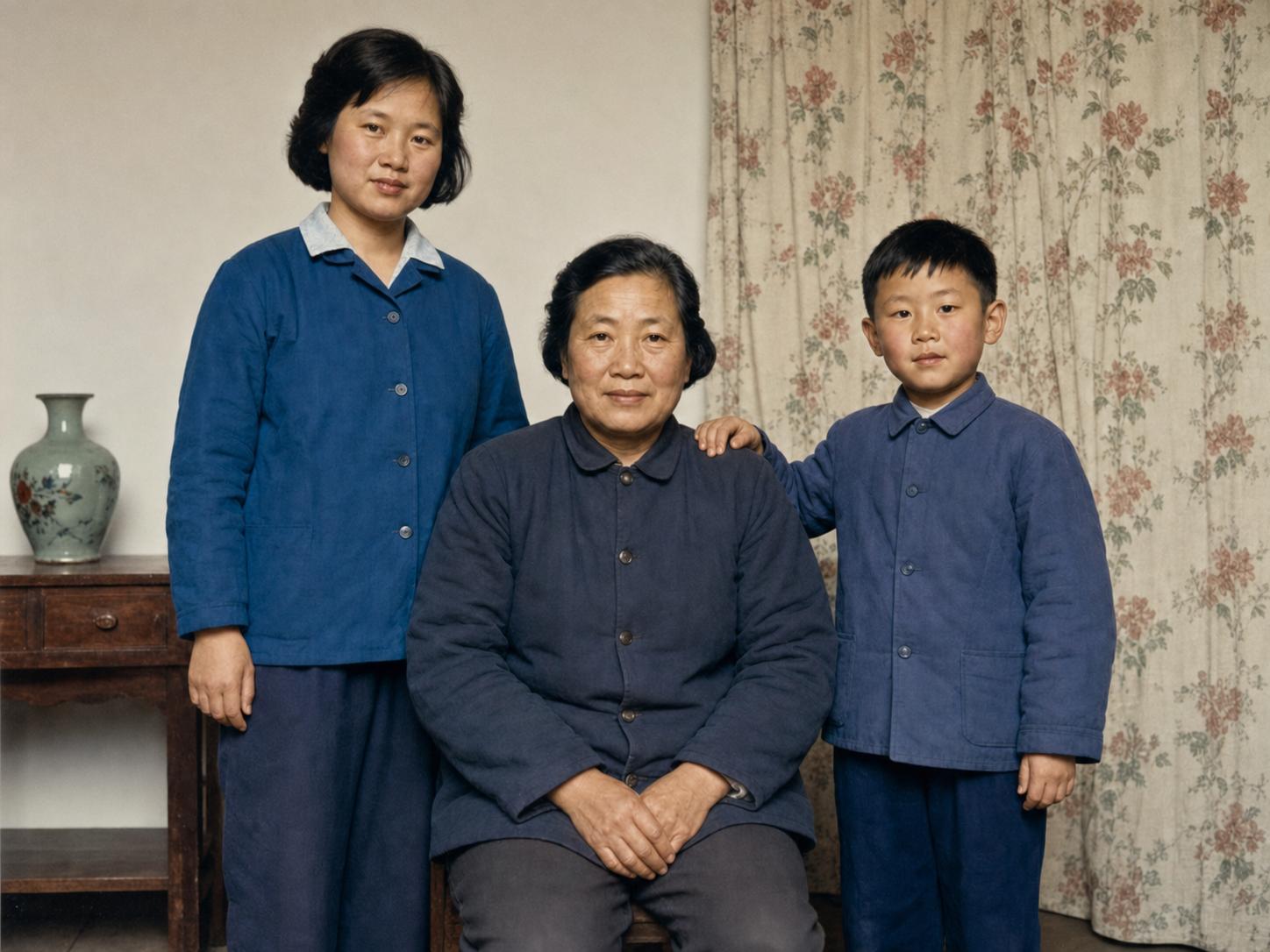
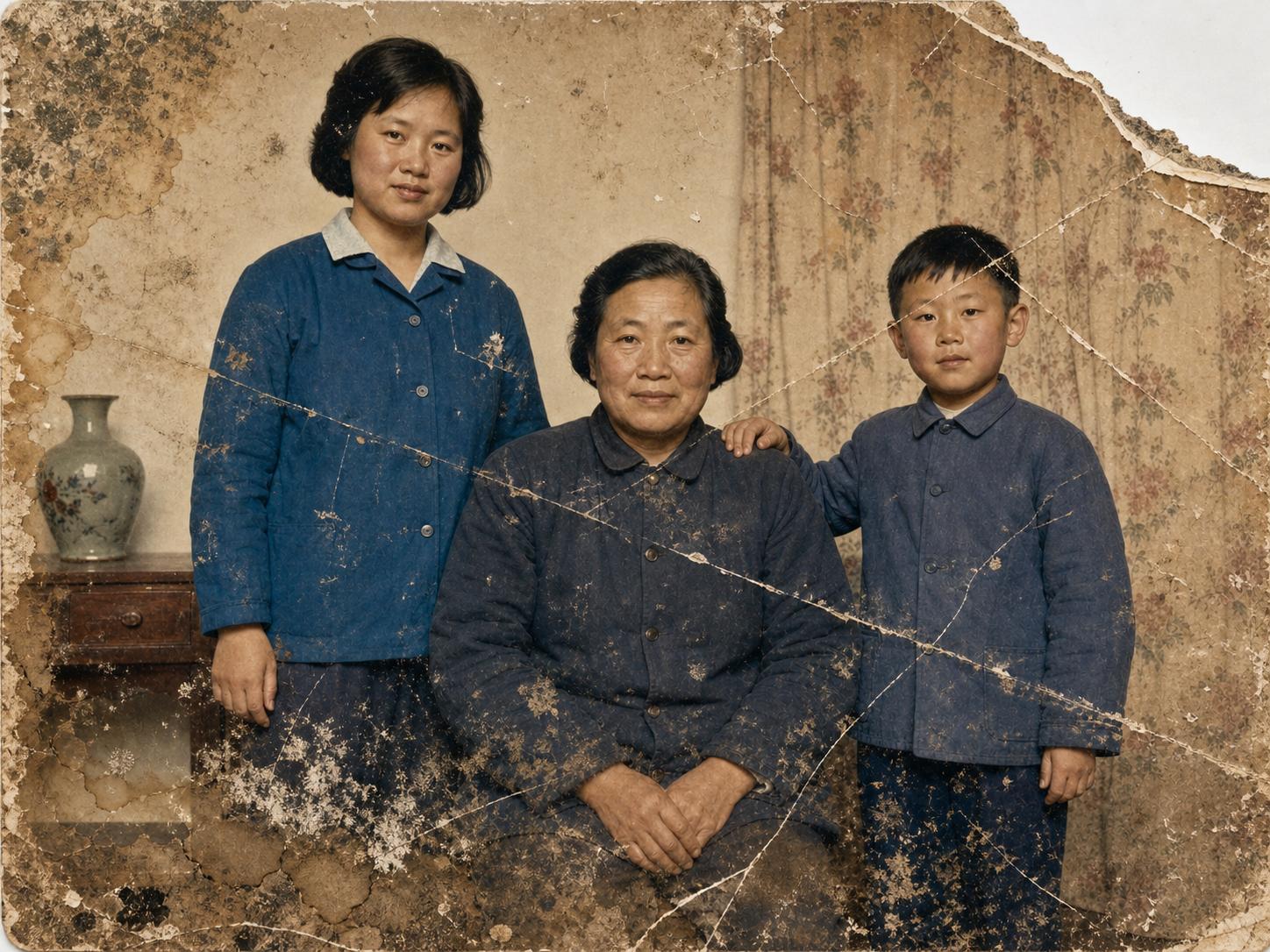
Damaged Old Photo Repair
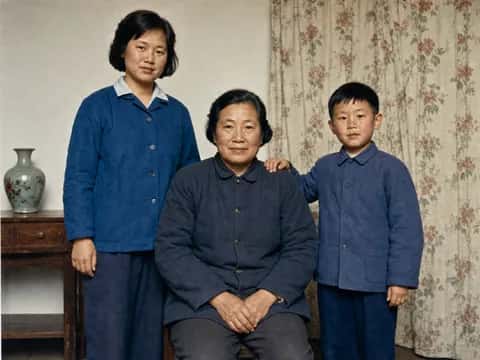
Conservatively repair tears, missing corners, mold, water damage, and broad abrasions in a severely damaged old photo.
Repair the uploaded severely damaged old photo. - Fix tears, creases, missing corners, peeling emulsion, large scratches, mold spots, water stains, and yellow blemishes. - Reconstruct missing regions conservatively from surrounding texture, light, shadow, clothing, and background patterns. - Blend repaired areas seamlessly so no patch edges or repeated textures are visible. - Preserve the original color or monochrome treatment unless [color treatment: natural restoration] requires correction. Keep every person's identity and the original composition unchanged. Do not add people, objects, scenery, modern styling, or decorative details that were not present in the source image.
- Model
- GPT-Image-2
- Aspect ratio
- auto
- Resolution
- 2K
- Best for
- Old photo restoration and colorization
How this prompt is composed — each chip is one phrase. Mix, swap, or remove chips to make the look your own.
- Repair the uploaded severely damaged old photo. - Fix tears
- creases
- missing corners
- peeling emulsion
- large scratches
- mold spots
- water stains
- and yellow blemishes. - Reconstruct missing regions conservatively from surrounding texture
- light
- shadow
- clothing
- and background patterns. - Blend repaired areas seamlessly so no patch edges or repeated textures are visible. - Preserve the original color or monochrome treatment unless [color treatment: natural restoration] requires correction. Keep every person's identity and the original composition unchanged. Do not add people
One click to remix this prompt with a different look or aspect ratio.
You may also like
More templates in the same style
Frequently asked questions
Which AI model is used?
All templates on this page are designed for and tested with GPT-Image-2. You can copy the prompt and run it elsewhere, but quality and text rendering may vary on other models.
How does the Remix button work?
Clicking Remix opens our generator with the prompt, aspect ratio, and resolution prefilled. You can edit any part of the prompt, swap the size, or rerun the generation as many times as you like.
Why does my generation look different from the preview?
Every run is a fresh generation — variations in composition, lighting, and detail are expected. To stay closer to the preview, keep the prompt verbatim, lock the same aspect ratio, and run a few seeds.
Can I tweak the prompt?
Absolutely — that's the point. Use the Prompt structure card below to see how the prompt is composed, then add, remove, or swap phrases to dial in your own look.