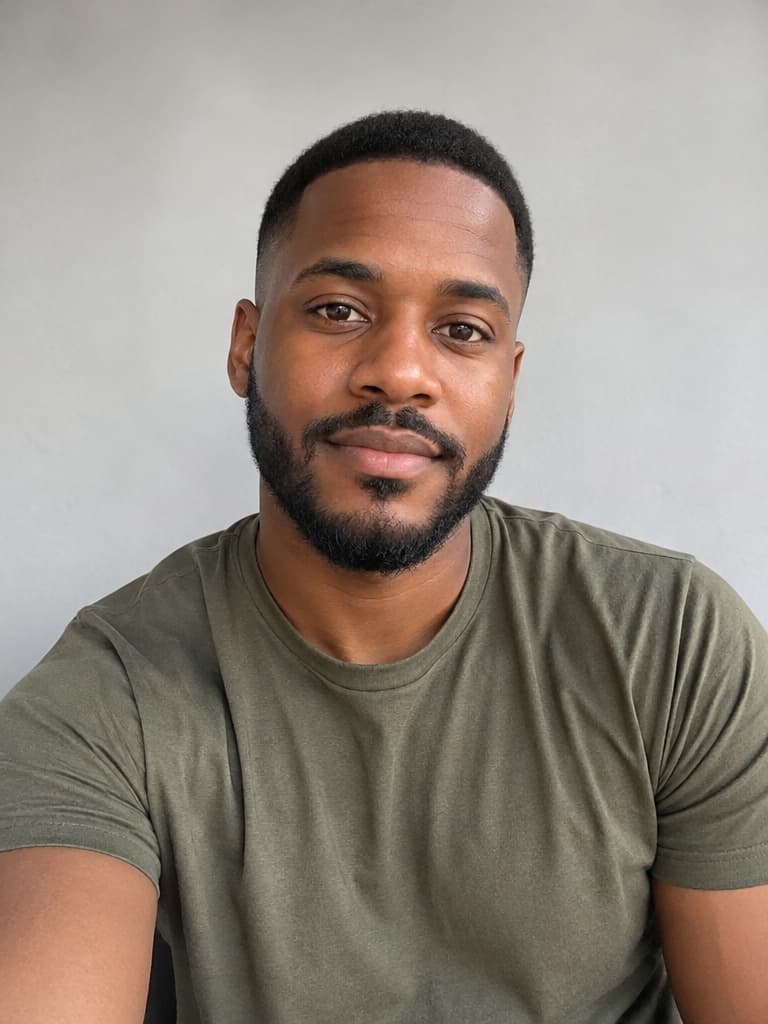
AI Halloween Costume Generator

One selfie, many Halloween looks. Upload a photo, pick a costume preset and get a photorealistic portrait that still looks like you. It also works for pets and couples, and every preset prompt is public so you can copy or adjust it. Browse the 8 Halloween looks ↓

AI Halloween costume generator

AI Image Generator
0 / 32,000 characters (Han characters count as 2)
Aspect ratio5 common
Image ratio 1:1, best for avatars, product hero shots, and square social posts.
Output format
Background
Resolution
Output: 1024×1024
Quality
Fastest and cheapest — good for drafts and quick tries.
Your generated image will appear here
Try
Halloween presets

Pick a Halloween look

Each preset is a tested prompt with a before-and-after example. Click “Try this look” to load it into the generator above, upload your photo and generate.

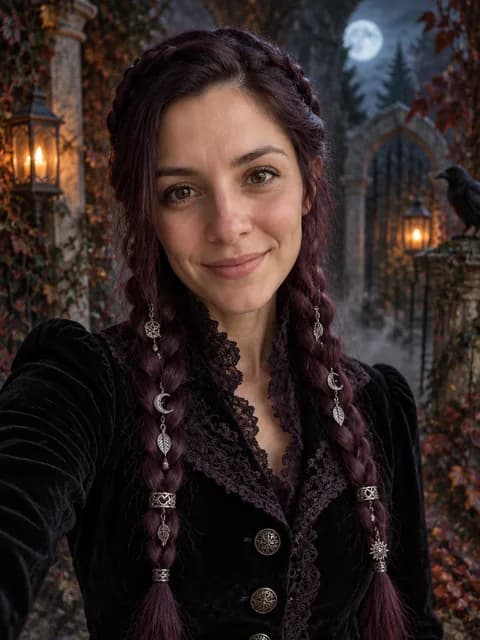
Midnight Braids Gothic Halloween Portrait
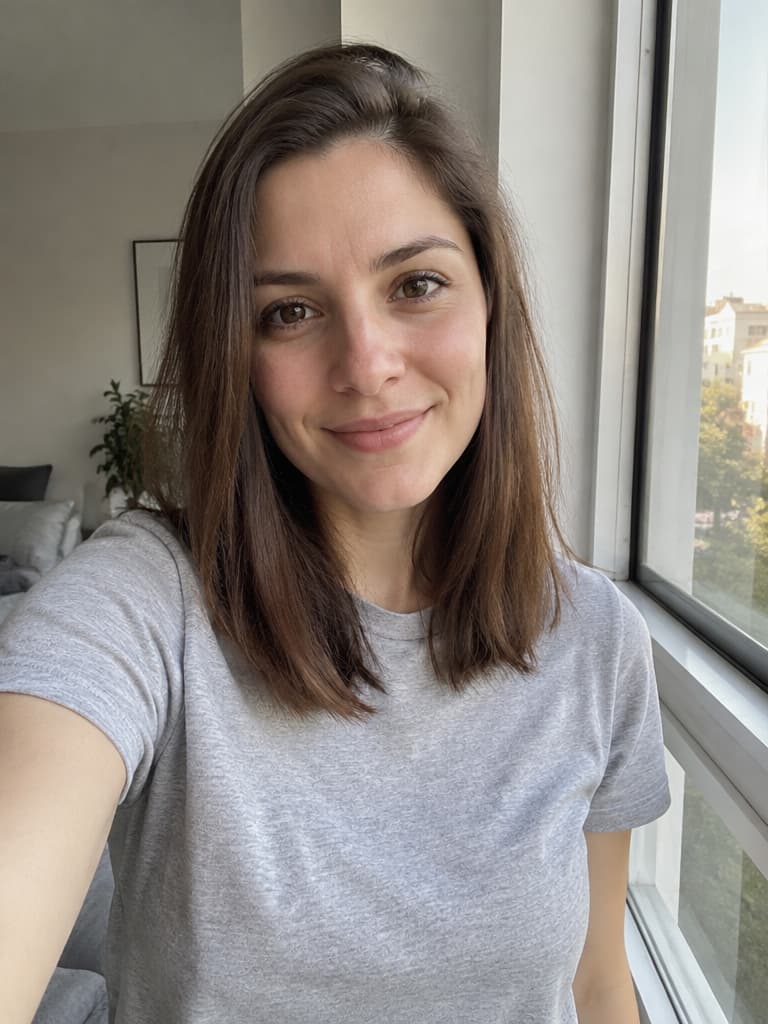
Midnight Braids Gothic Halloween Portrait – Before
Before

Midnight Braids Gothic Halloween Portrait

Turn a selfie into a gothic Halloween portrait with violet braids, a black velvet coat and a foggy moonlit garden, while keeping your face recognizable.
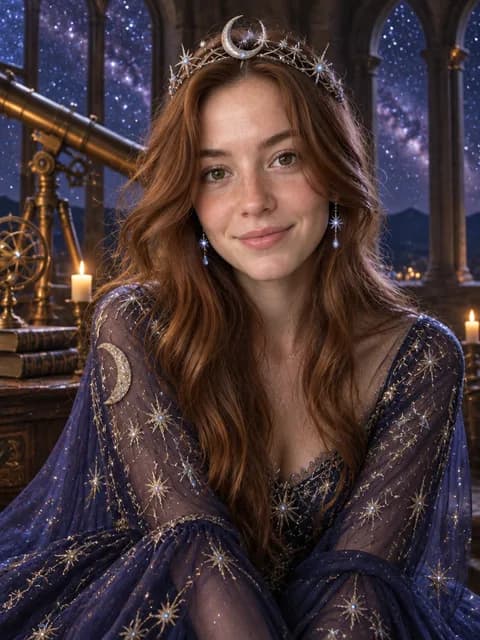
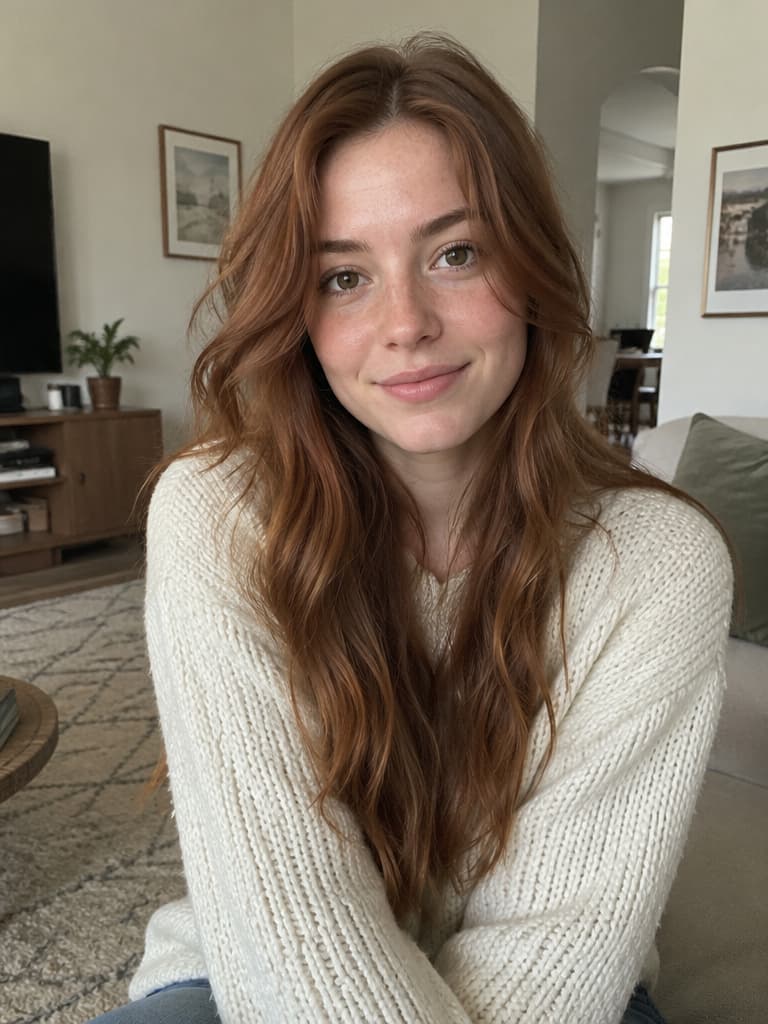
Cosmic Princess Halloween Portrait
Cosmic Princess Halloween Portrait – Before
Before

Cosmic Princess Halloween Portrait

Swap your outfit for a midnight-blue star gown and a silver moon crown, set in an observatory under a starry sky.
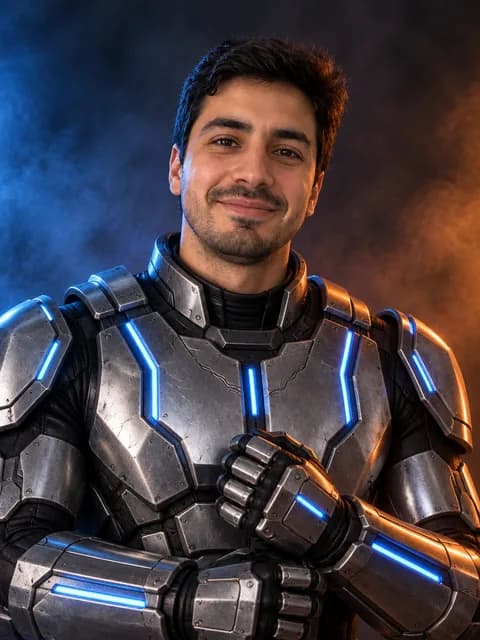
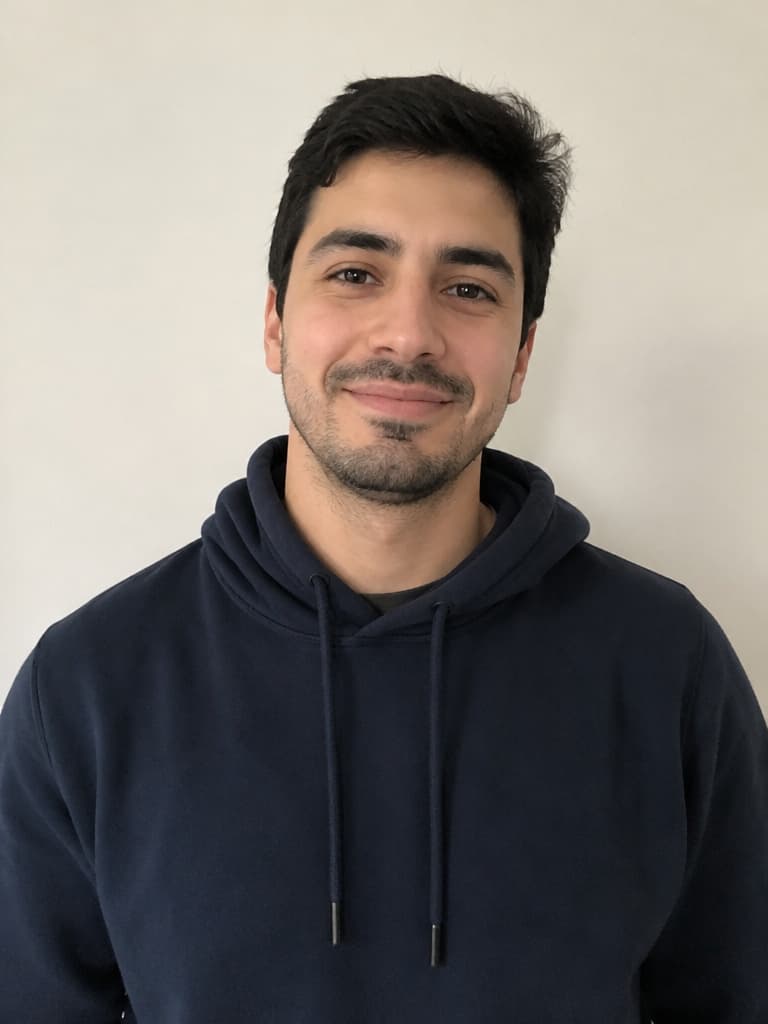
Robot Costume Halloween Portrait
Robot Costume Halloween Portrait – Before
Before

Robot Costume Halloween Portrait

Wear a believable futuristic robot costume with armor panels and blue LED accents. Your real face stays visible.
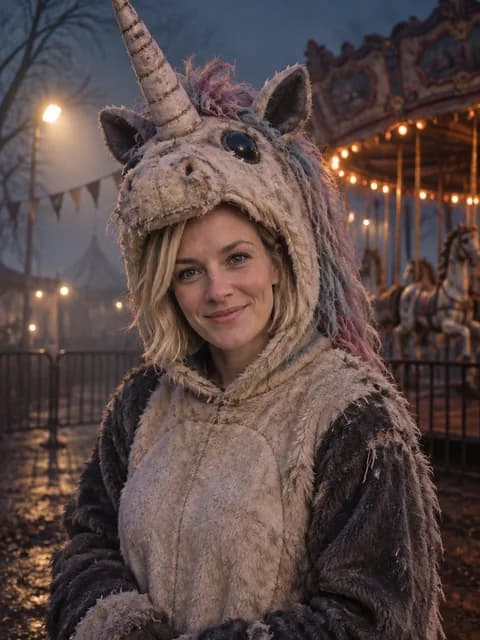
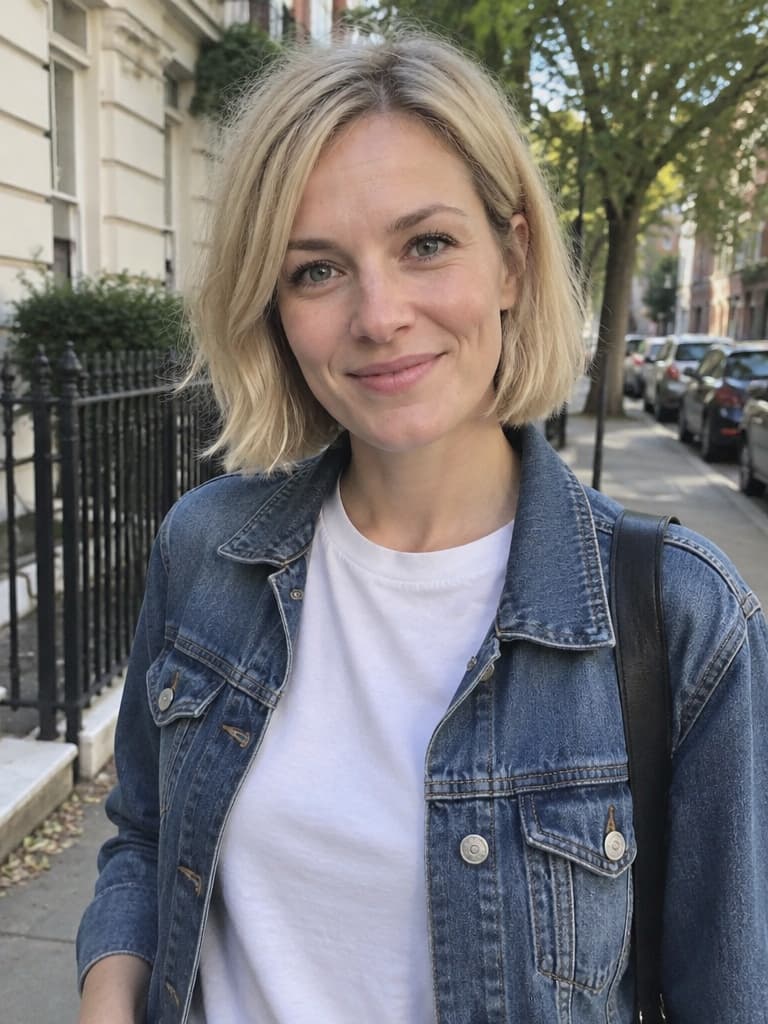
Haunted Unicorn Mascot Halloween Portrait
Haunted Unicorn Mascot Halloween Portrait – Before
Before

Haunted Unicorn Mascot Halloween Portrait

An original creepy unicorn mascot costume in a foggy, empty fairground at night. Spooky, but no gore.
Forest Witch Halloween Portrait
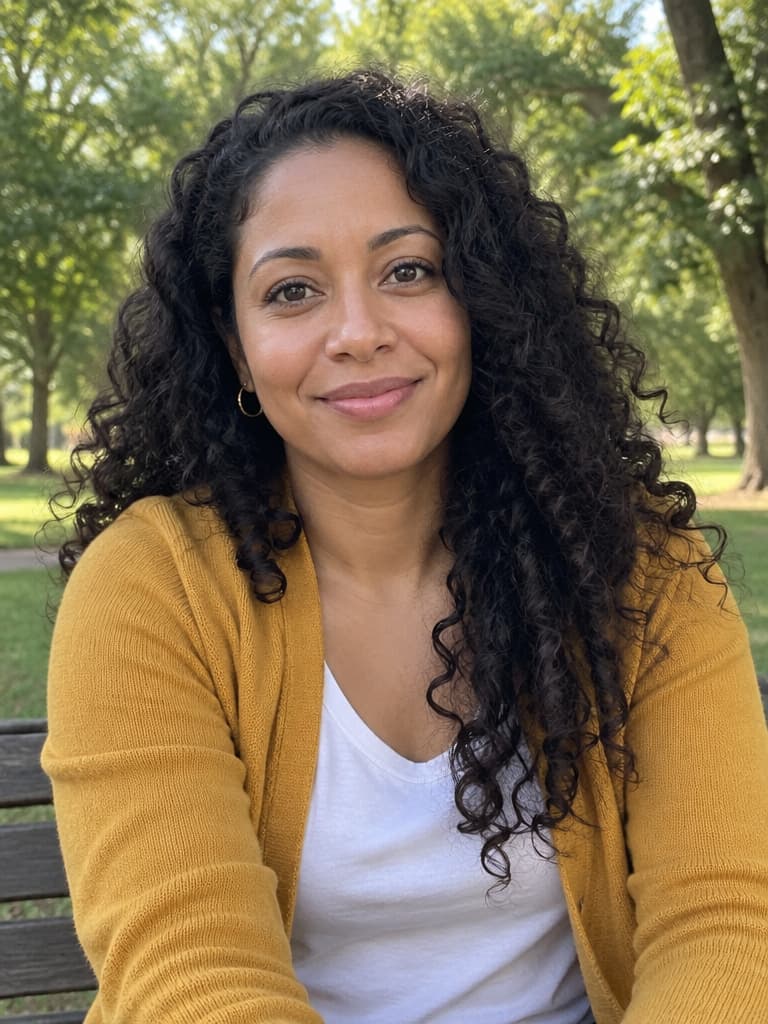
Forest Witch Halloween Portrait – Before
Before

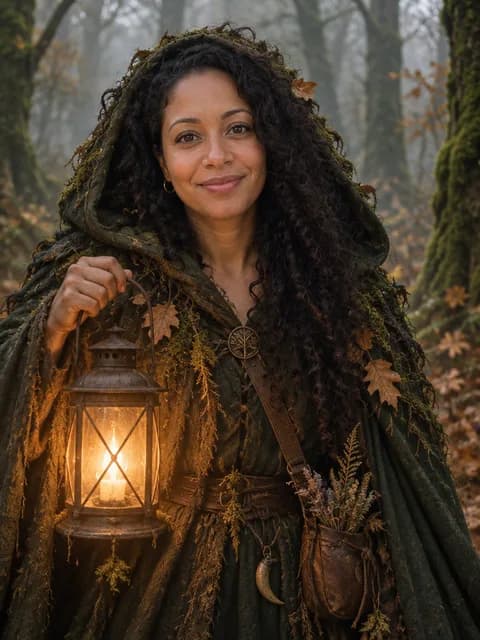
Forest Witch Halloween Portrait

A mossy hooded cloak, a glowing lantern and a misty autumn forest for a classic witch look.
Galactic Hero Halloween Portrait
Galactic Hero Halloween Portrait – Before
Before

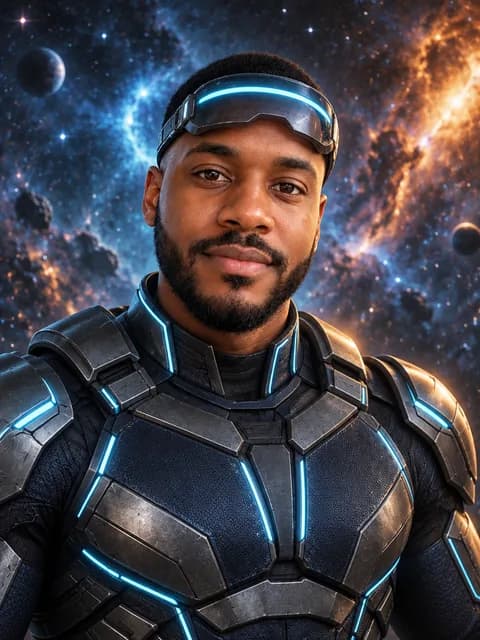
Galactic Hero Halloween Portrait

An original sci-fi hero suit with a glowing visor pushed up and a nebula backdrop, without copying any franchise costume.
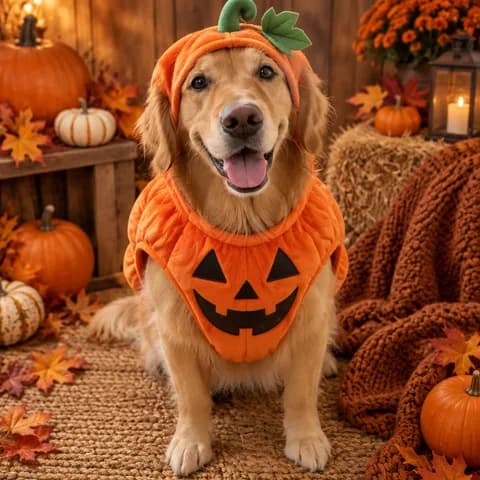
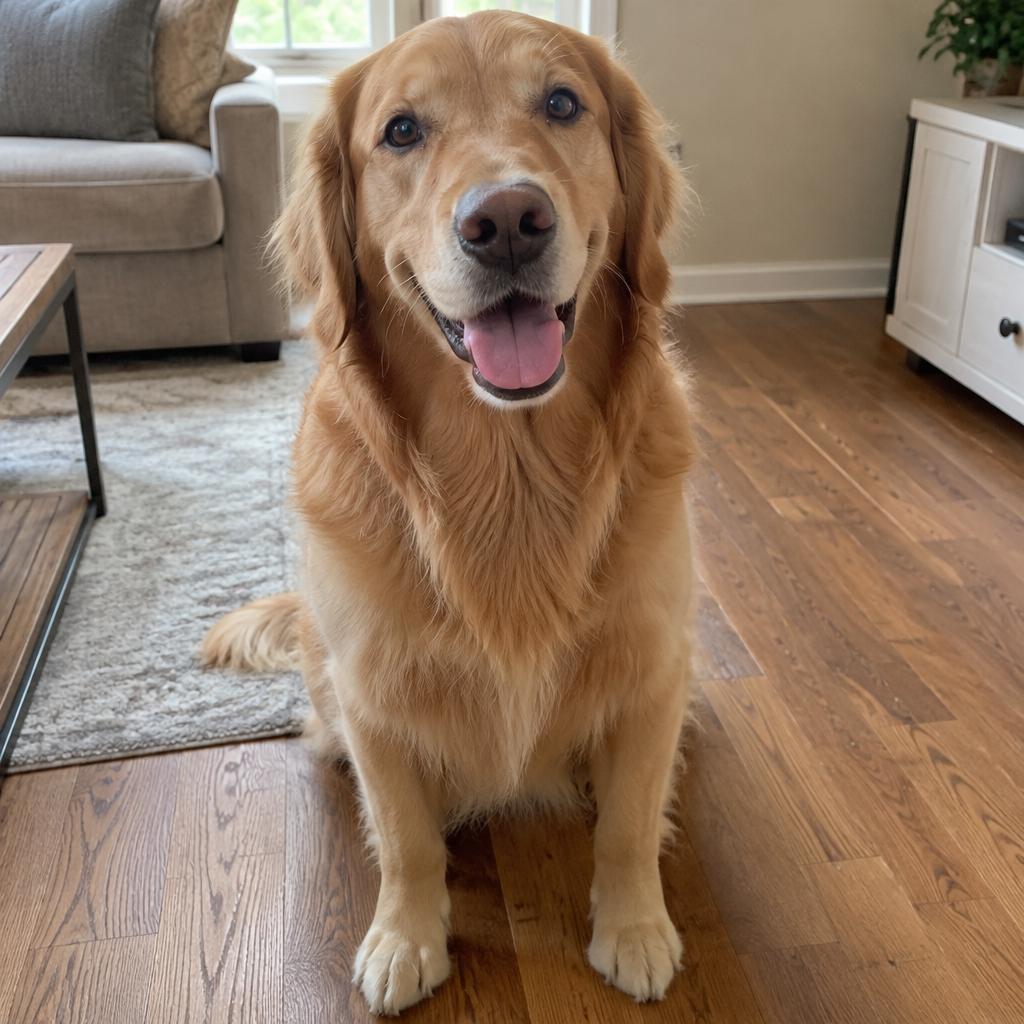
Pumpkin Pet Halloween Costume
Pumpkin Pet Halloween Costume – Before
Before

Pumpkin Pet Halloween Costume

Dress your dog or cat in a cozy pumpkin costume in a warm autumn studio. The breed, coat and markings stay the same.
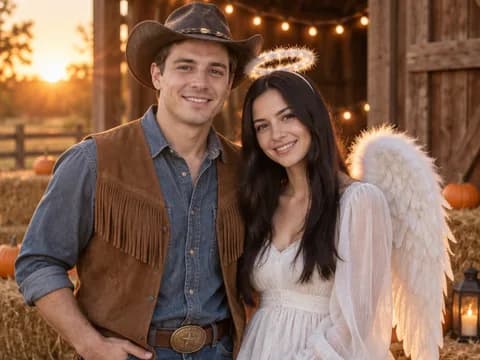
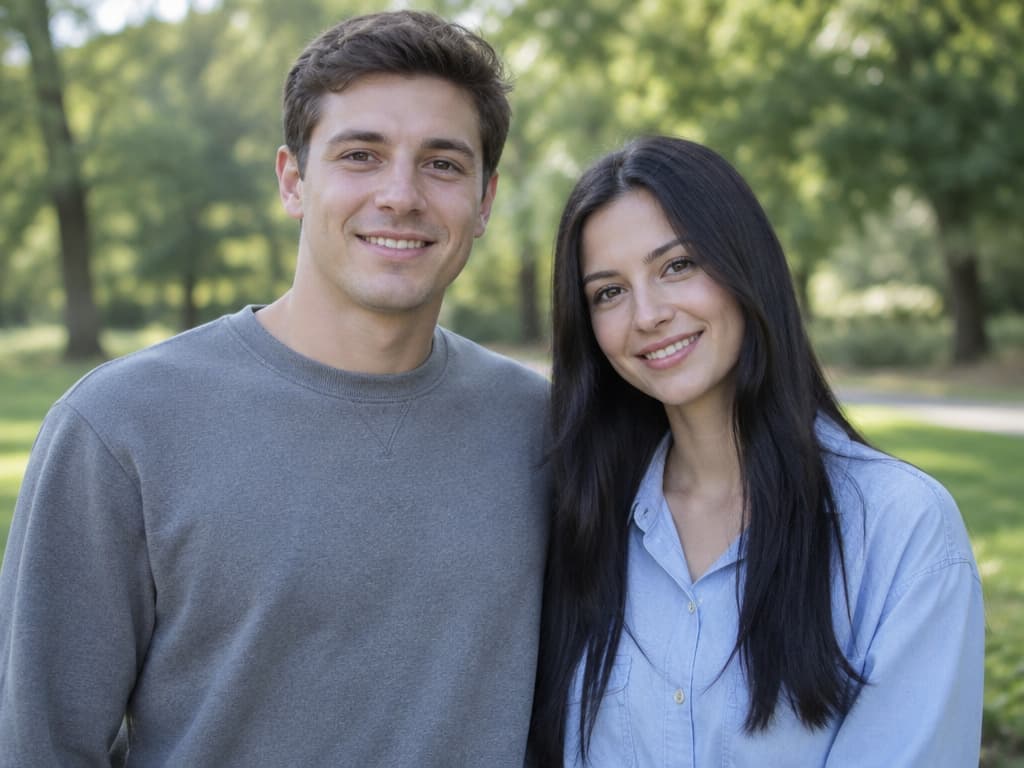
Cowboy and Angel Halloween Couple Portrait
Cowboy and Angel Halloween Couple Portrait – Before
Before

Cowboy and Angel Halloween Couple Portrait

A matching couple costume: one cowboy, one angel. Upload one photo of both of you, or one photo of each person.

Make a Halloween photo in three steps

01

Upload a clear photo

Use a well-lit photo where the face is visible and not covered. For a couple look, upload one photo of both people or one photo of each person.
02

Pick a look or write your own

Choose a preset to fill in the prompt, or describe your own costume, hairstyle and scene. You can edit any preset prompt before generating.
03

Generate and download

Check the credits shown in the generator, generate and download the result. Not quite right? Adjust the prompt and try again.

Choose a model

Flare is selected by default. All five models are in the generator's model menu, and you can switch at any time. Try the same photo on two models and compare; your history shows which model made each image.

01

GPT Image 2.5 Flare (default)

The fastest option for photo edits: 1K results often arrive in about 20 seconds. Billed on actual cost, about 4.5 credits on average for a 1K edit.
02

GPT Image 2.5 Sunburst

Same family as Flare. The example images on this page were made with Sunburst. About 4.7 credits on average for a 1K edit, usually around a minute.
03

GPT Image 2

The previous GPT Image generation. Photo edits are also billed on actual cost.
04

Nano Banana 2

Fixed price: 4 credits at 1K, 5 at 2K, 6 at 4K. Accepts up to 14 reference images, handy for couple or family looks.
05

Nano Banana Pro

Fixed price: 7 credits at 1K and 2K, 9 at 4K. Aimed at finer detail and may take longer.

Who the Halloween presets are for

The same prompt structure works for one person, a pet or two people.

Selfies

Try a gothic, fantasy, sci-fi or spooky costume before you buy one, or just post the look.

Pets

Dress a dog or cat in a costume while keeping its breed, coat color and markings.

Couples

Create a matching couple costume photo that keeps both faces recognizable.

Social posts

Pick 9:16 for TikTok and Instagram Stories or 4:5 for feed posts in the generator's ratio menu.

How to write a Halloween costume prompt

Adding the word “Halloween” is not enough. Every preset on this page tells the model five things:

01

1. What to keep

“Keep the person's face recognizable: same facial features, face shape, skin tone and age.” Put this first.
02

2. What to change

Describe the hairstyle and costume with materials and colors, such as “long plum-violet braids” or “black velvet coat with purple lace trim”.
03

3. The scene

Name a place and two or three details: “a foggy fairground at night with an empty carousel and one flickering spotlight”.
04

4. The photography

Ask for photorealistic portrait photography and name the light, for example “cool moonlight with warm lantern rim light”.
05

5. What to avoid

End with limits: same number of people, no identity change, no extra limbs, no text or watermarks. For costumes with masks, add “do not cover the face”.

Pay once for Halloween

Just want a few Halloween photos? Buy a one-time pack with no subscription. If you create images all year, see the monthly and yearly plans on the pricing page.

Halloween Pack

Halloween Pack

$4.99 one-time
A one-time pack for Halloween looks: try every costume preset on your selfie, your pet or the two of you. No subscription or auto-renewal.
Seasonal pack · valid 90 days
~$0.017 / credit
About $0.07–0.08 per Halloween photo

Includes

  • 300 credits
  • About 65 photos at 1K with the default model (about 4.5 credits each); the exact number depends on the model you choose
  • Works with every Halloween preset and the full image generator
  • Valid for 90 days
  • One-time payment, no auto-renewal

AI Halloween costume questions

Every preset starts by telling the model to keep your facial features, face shape, skin tone and age, and ends by forbidding identity changes. How closely the face matches still depends on the model and the photo. A clear, front-facing, well-lit photo works best.
GPT Image 2.5 Flare is selected by default because it is the fastest for photo edits. You can switch to GPT Image 2.5 Sunburst, GPT Image 2, Nano Banana 2 or Nano Banana Pro in the generator's model menu; see “Choose a model” above for how they differ.
It depends on the model. GPT Image models bill photo edits on actual cost, usually 3–6 credits at 1K (about 4.5 on average with Flare). Nano Banana 2 is a fixed 4 credits at 1K and Nano Banana Pro 7. The generator shows the cost before you start, and failed generations are not charged. New users get free trial credits, enough for a first 1K photo.
Yes. The Pumpkin Pet preset keeps your pet's breed, coat and markings. For the Cowboy and Angel couple preset, upload one photo of both people, or one photo of each person, and the prompt assigns a costume to each.
Yes. Open “View prompt” on any preset to copy the full text. It works in other image editing tools that accept a reference photo, though results differ between models.
The presets are original designs inspired by this year's trends, such as a haunted unicorn mascot or a sci-fi hero suit. If you write your own prompt, avoid copying trademarked costumes, logos or real people you don't have permission to use.
Your photo is used to generate your image as described in our Privacy Policy. Only upload photos of yourself, or of people and pets whose owners have agreed.
No. The Halloween Pack is a one-time payment of $4.99 for 300 credits, valid for 90 days. Monthly and yearly plans are available on the pricing page if you create images regularly.

Still have questions? Email support@image-2.net.

Make your Halloween photo

Upload a photo, pick a look and check the credits in the generator before you start.