Pumpkin Pet Halloween Costume
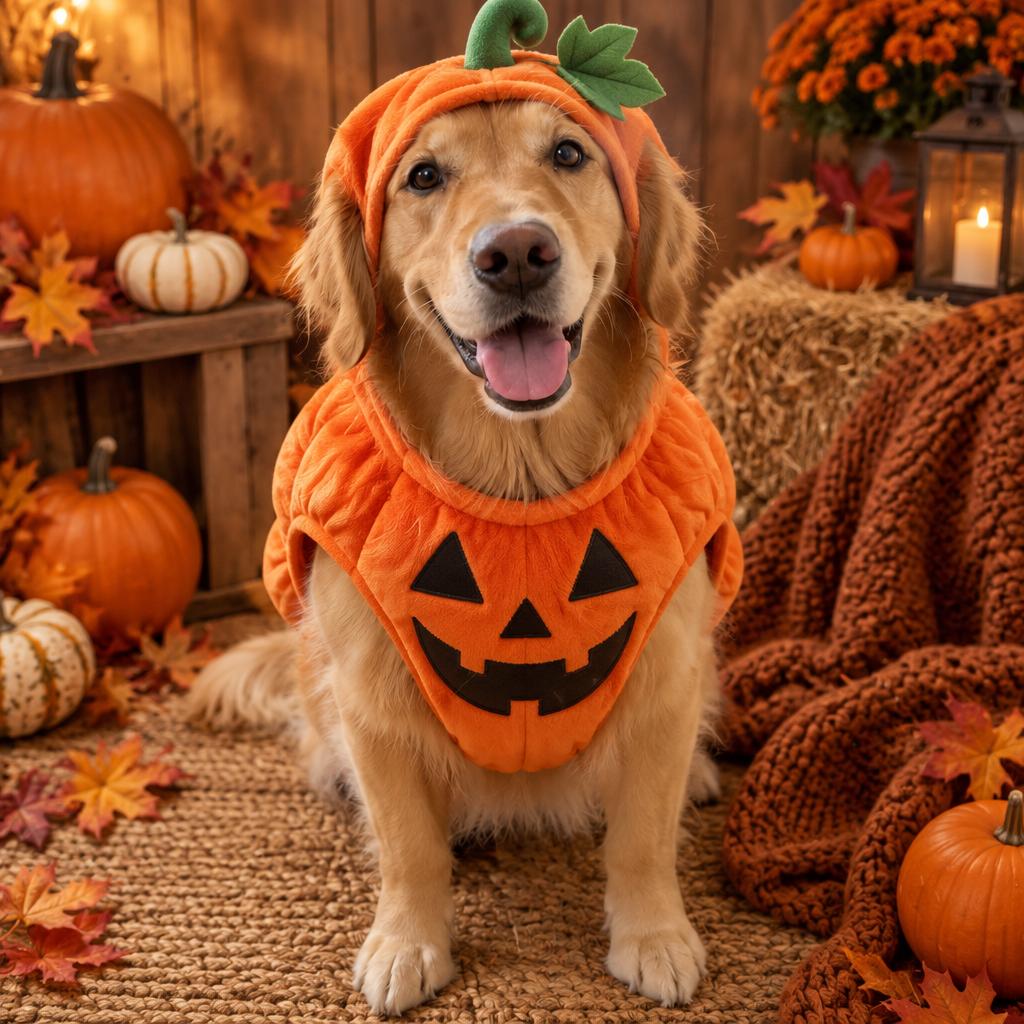
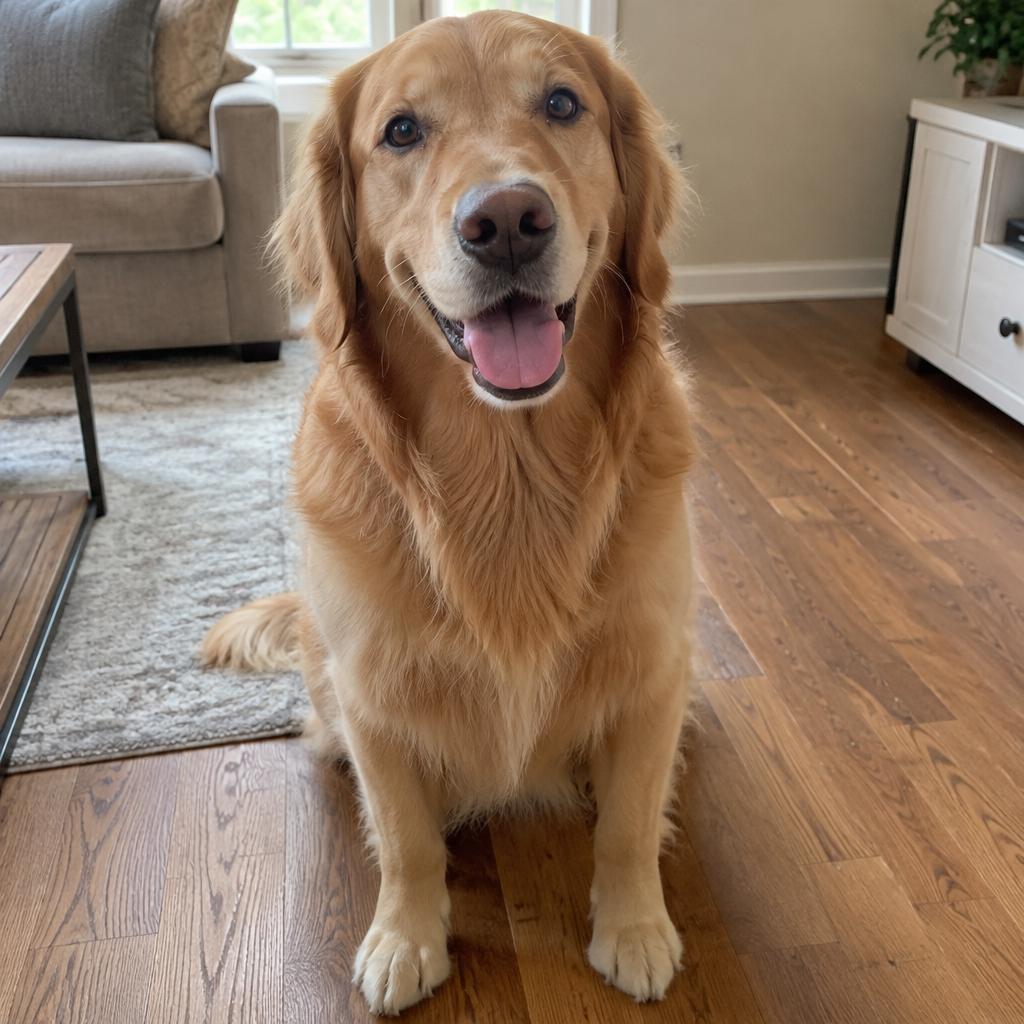
Dress your dog or cat in a cozy pumpkin costume in a warm autumn studio. The breed, coat and markings stay the same.
Edit the uploaded pet photo into a Halloween pet portrait. Keep the animal exactly as it is: same species, breed, fur color, markings, eye color, face and natural anatomy. Dress the pet in a soft orange pumpkin costume with a small green stem and leaf on top. The costume fits naturally and does not cover the eyes. Place the pet in a cozy autumn photo studio with warm light, mini pumpkins, dried leaves and a knitted blanket. Photorealistic professional pet portrait, realistic fur texture, soft natural shadows. Keep the same number of animals as the uploaded photo. No extra animals, extra paws, duplicated limbs, text or watermarks.
- Model
- GPT-Image-2
- Aspect ratio
- auto
- Resolution
- 1K
- Best for
- Halloween costume photos, social posts
How this prompt is composed — each chip is one phrase. Mix, swap, or remove chips to make the look your own.
- Edit the uploaded pet photo into a Halloween pet portrait. Keep the animal exactly as it is: same species
- breed
- fur color
- markings
- eye color
- face and natural anatomy. Dress the pet in a soft orange pumpkin costume with a small green stem and leaf on top. The costume fits naturally and does not cover the eyes. Place the pet in a cozy autumn photo studio with warm light
- mini pumpkins
- dried leaves and a knitted blanket. Photorealistic professional pet portrait
- realistic fur texture
- soft natural shadows. Keep the same number of animals as the uploaded photo. No extra animals
- extra paws
- duplicated limbs
One click to remix this prompt with a different look or aspect ratio.
You may also like
More templates in the same style
Frequently asked questions
Which AI model is used?
All templates on this page are designed for and tested with GPT-Image-2. You can copy the prompt and run it elsewhere, but quality and text rendering may vary on other models.
How does the Remix button work?
Clicking Remix opens our generator with the prompt, aspect ratio, and resolution prefilled. You can edit any part of the prompt, swap the size, or rerun the generation as many times as you like.
Why does my generation look different from the preview?
Every run is a fresh generation — variations in composition, lighting, and detail are expected. To stay closer to the preview, keep the prompt verbatim, lock the same aspect ratio, and run a few seeds.
Can I tweak the prompt?
Absolutely — that's the point. Use the Prompt structure card below to see how the prompt is composed, then add, remove, or swap phrases to dial in your own look.