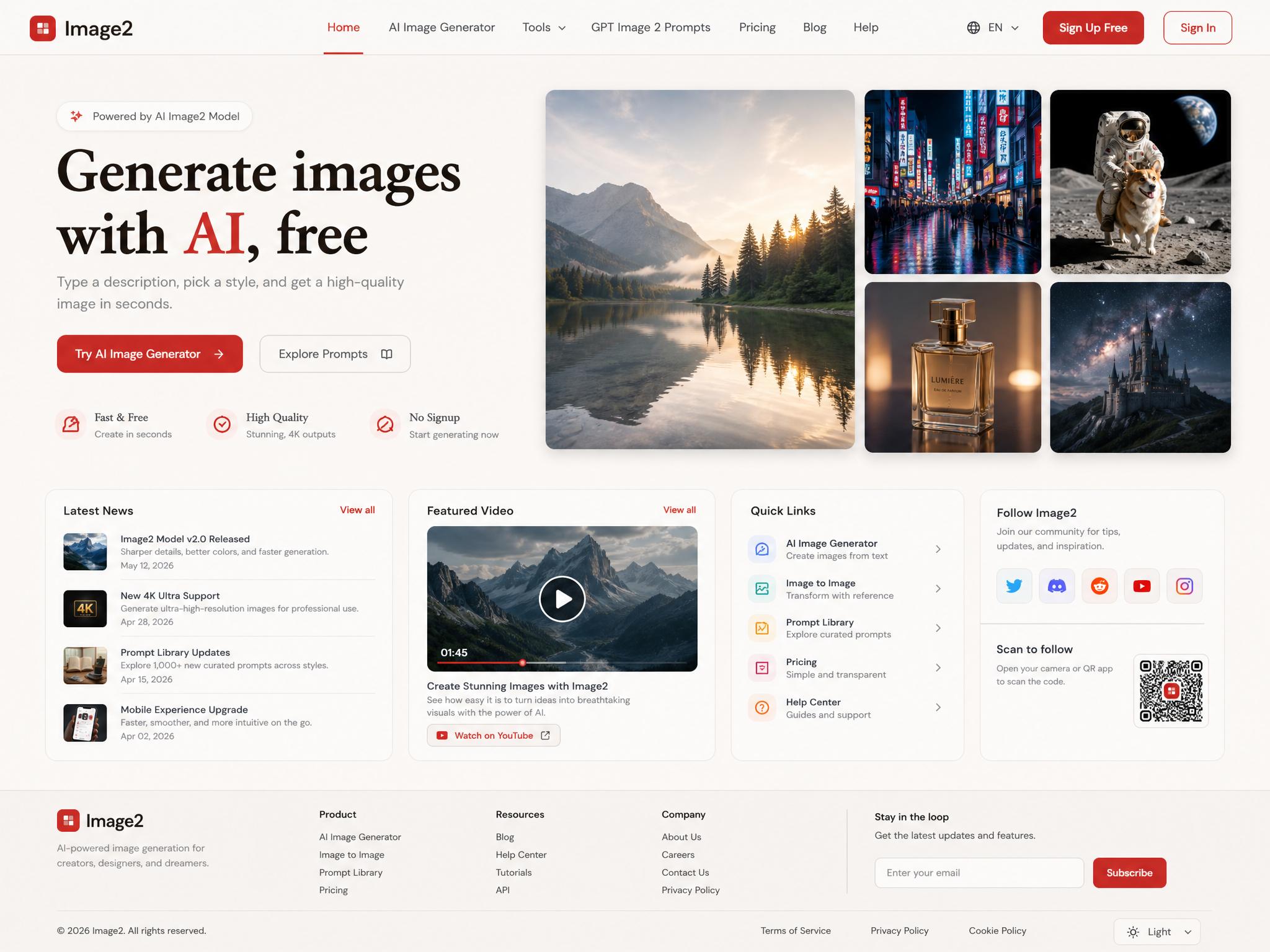
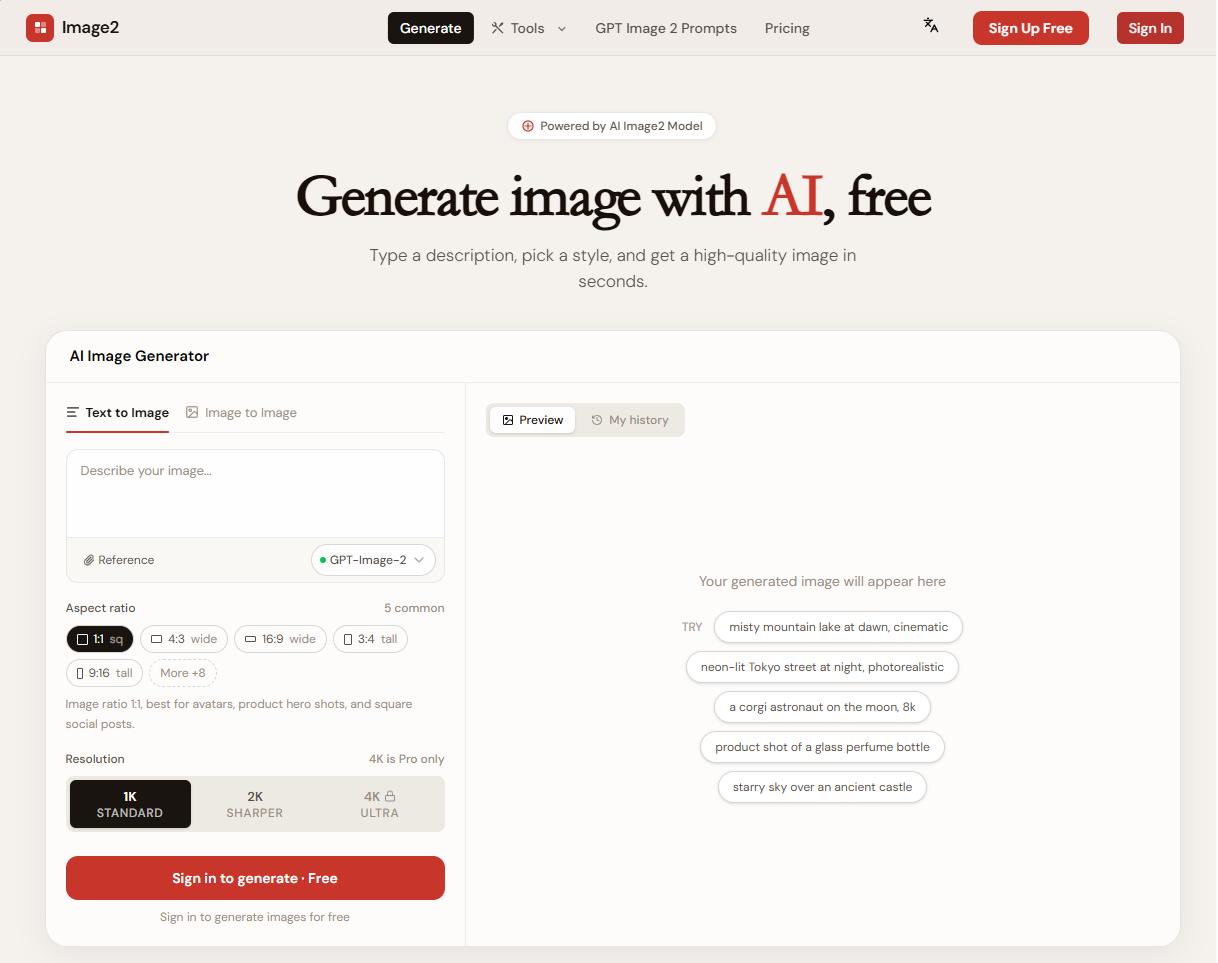
Website UI Modernization Redesign
A high-fidelity prompt for transforming an outdated website screenshot into a cleaner, more modern desktop homepage UI.
Optimize the existing website screenshot into a polished 2026 desktop website homepage UI. Keep the original brand identity, business meaning, content modules, and information architecture, but redesign the visual presentation with clearer hierarchy, better spacing, aligned grid layout, modern navigation, readable typography, refined cards, stronger CTAs, and a cohesive color system. Preserve important modules such as logo/header, navigation, hero banner, news list, media/video section, social or QR follow area, and footer. Make the result look production-ready and credible, not like a landing-page concept. Do not invent unrelated brands, do not change the core business context, do not add watermarks, and avoid gibberish or broken UI text.
- Model
- GPT-Image-2
- Aspect ratio
- 4:3
- Resolution
- 2K
- Best for
- General creative use
How this prompt is composed — each chip is one phrase. Mix, swap, or remove chips to make the look your own.
- Optimize the existing website screenshot into a polished 2026 desktop website homepage UI. Keep the original brand identity
- business meaning
- content modules
- and information architecture
- but redesign the visual presentation with clearer hierarchy
- better spacing
- aligned grid layout
- modern navigation
- readable typography
- refined cards
- stronger CTAs
- and a cohesive color system. Preserve important modules such as logo/header
One click to remix this prompt with a different look or aspect ratio.
You may also like
More templates in the same style

Frequently asked questions
Which AI model is used?
All templates on this page are designed for and tested with GPT-Image-2. You can copy the prompt and run it elsewhere, but quality and text rendering may vary on other models.
How does the Remix button work?
Clicking Remix opens our generator with the prompt, aspect ratio, and resolution prefilled. You can edit any part of the prompt, swap the size, or rerun the generation as many times as you like.
Why does my generation look different from the preview?
Every run is a fresh generation — variations in composition, lighting, and detail are expected. To stay closer to the preview, keep the prompt verbatim, lock the same aspect ratio, and run a few seeds.
Can I tweak the prompt?
Absolutely — that's the point. Use the Prompt structure card below to see how the prompt is composed, then add, remove, or swap phrases to dial in your own look.