Storyboard Grid Template
A reusable 16:9 storyboard grid prompt with scene, camera, transition, audio, and technical notes.
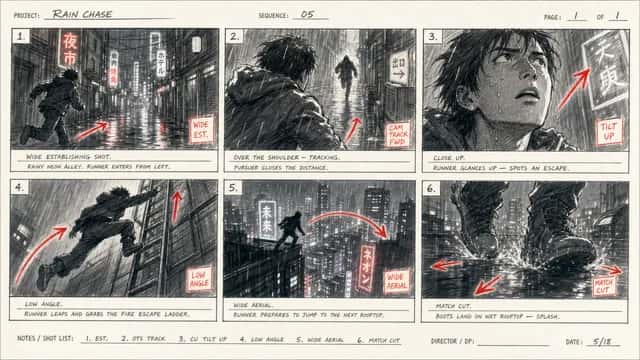
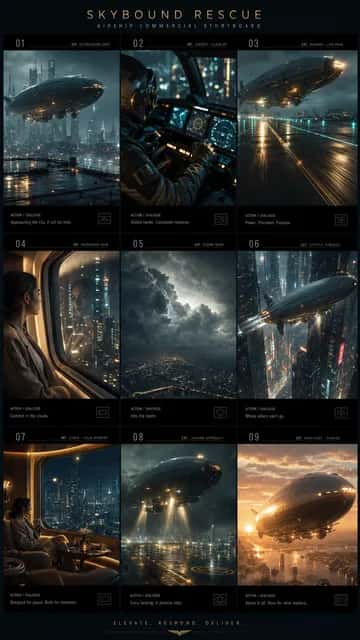
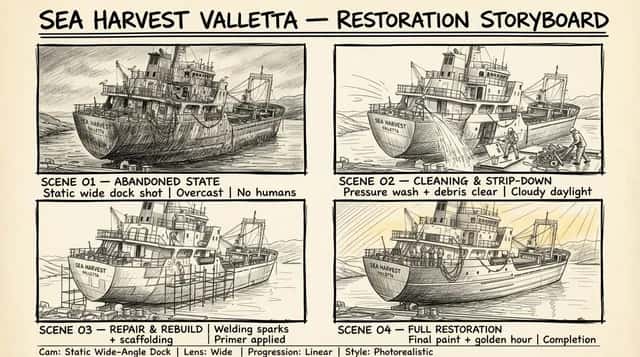
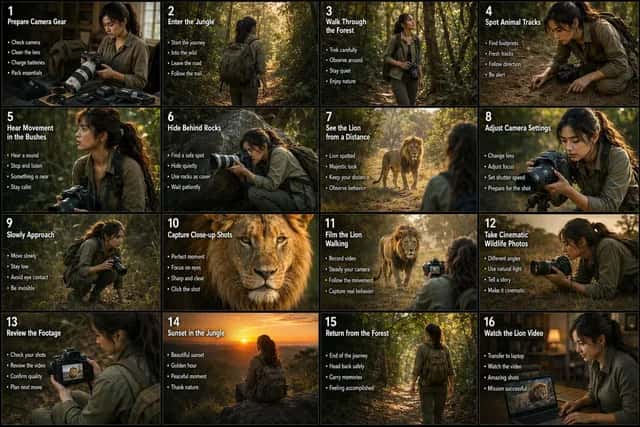
Based on the content [story concept], create a storyboard image in 16:9 ratio, 4K resolution. 1. Basic setup Main title + subtitle Aspect ratio Layout design: 3-column x 9-scene storyboard grid 2. Style direction Director-inspired visual style Visual keywords, for example Ridley Scott / low-saturation atmospheric sci-fi 3. Storyboard details For each scene, clearly describe: Camera shot Character action Visual progression / scene transition Sound effects / audio cues 4. Visual guidelines Color palette and tone Cinematic language and lighting style, for example desaturated earthy tones + strong rim lighting 5. Bottom information section Character profiles Overall mood / tone Audio timeline / sound design notes Technical specifications
- Model
- GPT-Image-2
- Aspect ratio
- 16:9
- Resolution
- 2K
- Best for
- Storyboards, shot planning, video ad concepts
How this prompt is composed — each chip is one phrase. Mix, swap, or remove chips to make the look your own.
- Based on the content [story concept]
- create a storyboard image in 16:9 ratio
- 4K resolution. 1. Basic setup Main title + subtitle Aspect ratio Layout design: 3-column x 9-scene storyboard grid 2. Style direction Director-inspired visual style Visual keywords
- for example Ridley Scott / low-saturation atmospheric sci-fi 3. Storyboard details For each scene
- clearly describe: Camera shot Character action Visual progression / scene transition Sound effects / audio cues 4. Visual guidelines Color palette and tone Cinematic language and lighting style
- for example desaturated earthy tones + strong rim lighting 5. Bottom information section Character profiles Overall mood / tone Audio timeline / sound design notes Technical specifications
One click to remix this prompt with a different look or aspect ratio.
You may also like
More templates in the same style
Frequently asked questions
Which AI model is used?
All templates on this page are designed for and tested with GPT-Image-2. You can copy the prompt and run it elsewhere, but quality and text rendering may vary on other models.
How does the Remix button work?
Clicking Remix opens our generator with the prompt, aspect ratio, and resolution prefilled. You can edit any part of the prompt, swap the size, or rerun the generation as many times as you like.
Why does my generation look different from the preview?
Every run is a fresh generation — variations in composition, lighting, and detail are expected. To stay closer to the preview, keep the prompt verbatim, lock the same aspect ratio, and run a few seeds.
Can I tweak the prompt?
Absolutely — that's the point. Use the Prompt structure card below to see how the prompt is composed, then add, remove, or swap phrases to dial in your own look.