Generate image with AI, free
Type a description, pick a style, and get a high-quality image in about 40 seconds.
AI Image Generator
Start from a template
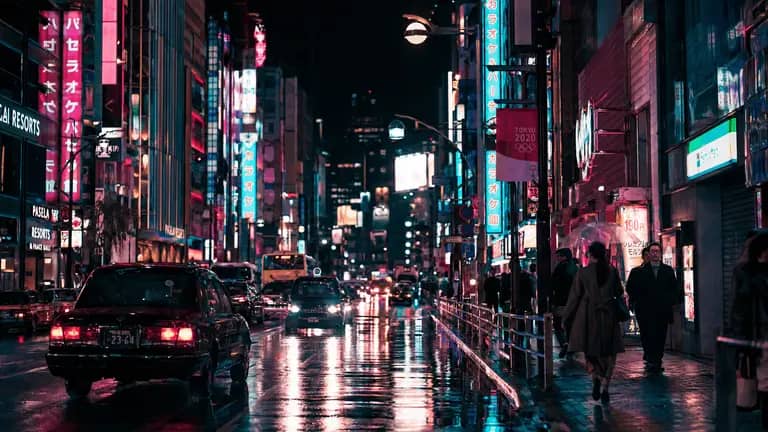
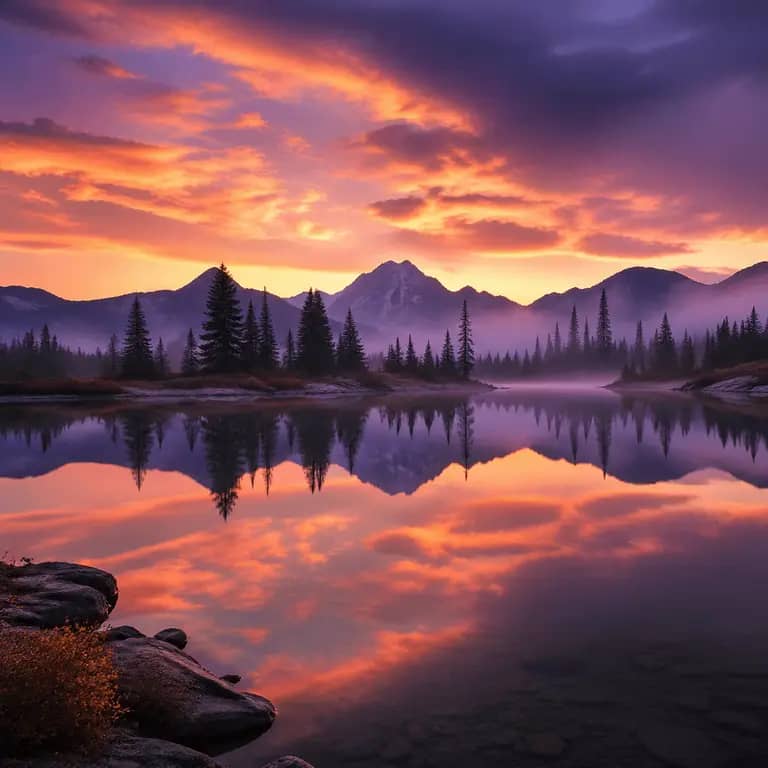
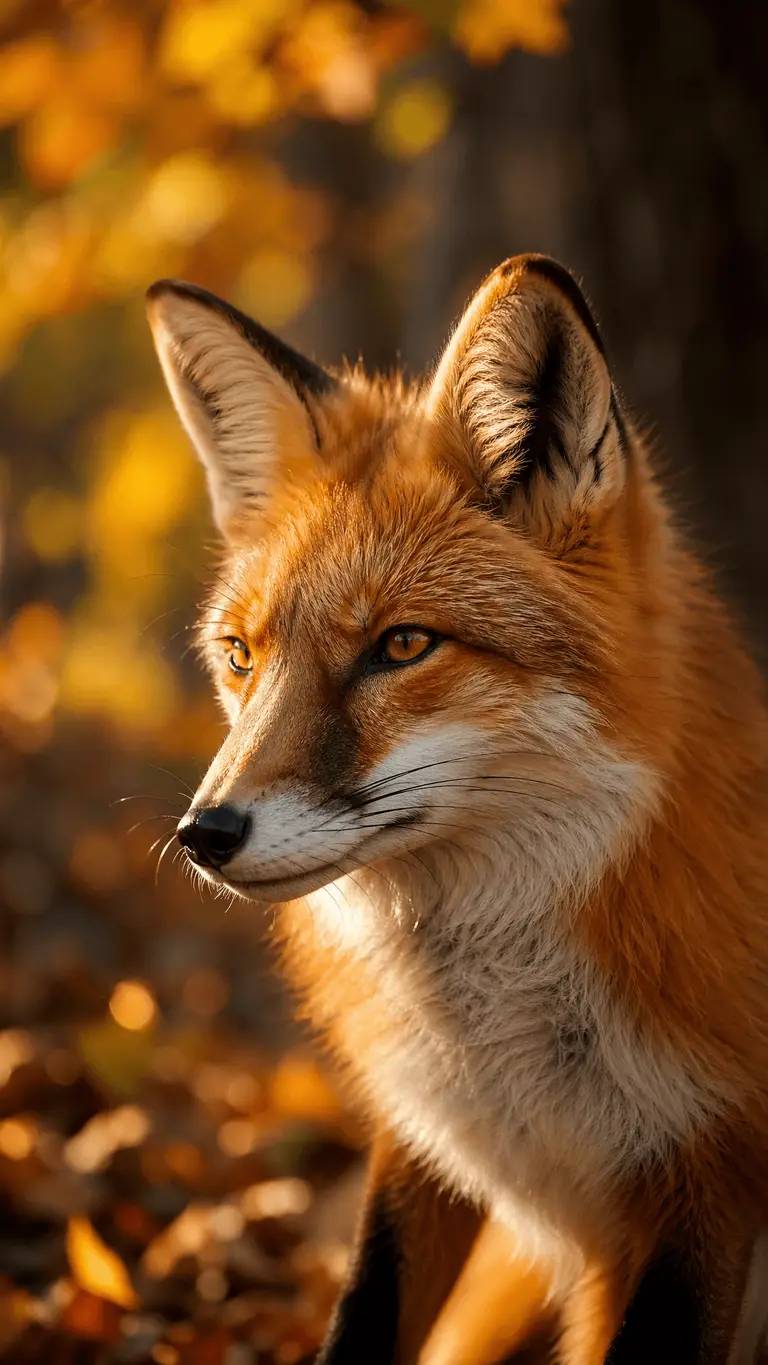
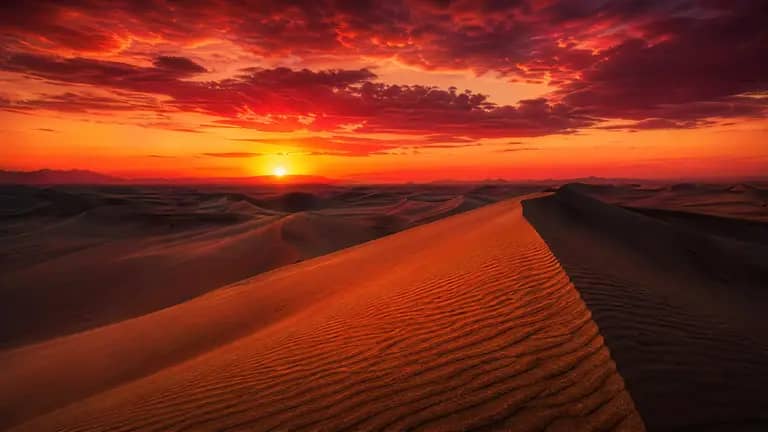
Three steps to any image
Describe your image
AI generates your image
Download full resolution
Creation Guides
Practical tutorials and ideas for creating better images with AI.
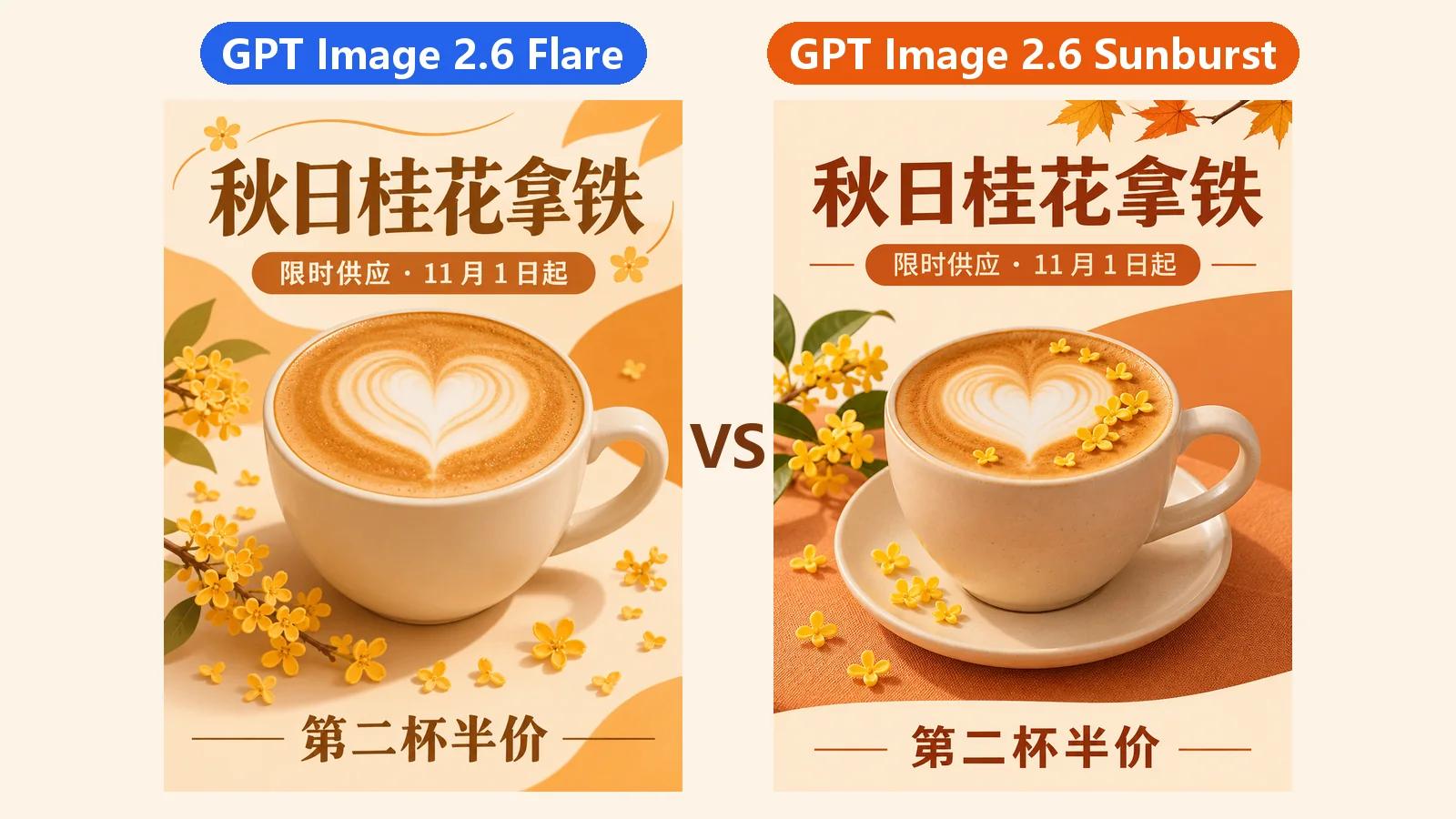
GPT Image 2.6 Flare vs Sunburst: Which Should You Use? 7 Same-Prompt Tests on Speed, Text, Edits, GIF and SVG
GPT Image 2.6 Flare and Sunburst cost the same and take the same settings, so what's the difference? We ran the same prompts twice on each model across a poster, a portrait, a product shot, an infographic, a masked edit, a GIF and an SVG. Flare is more than twice as fast and very consistent; Sunburst follows edit instructions more closely and makes much better SVGs.
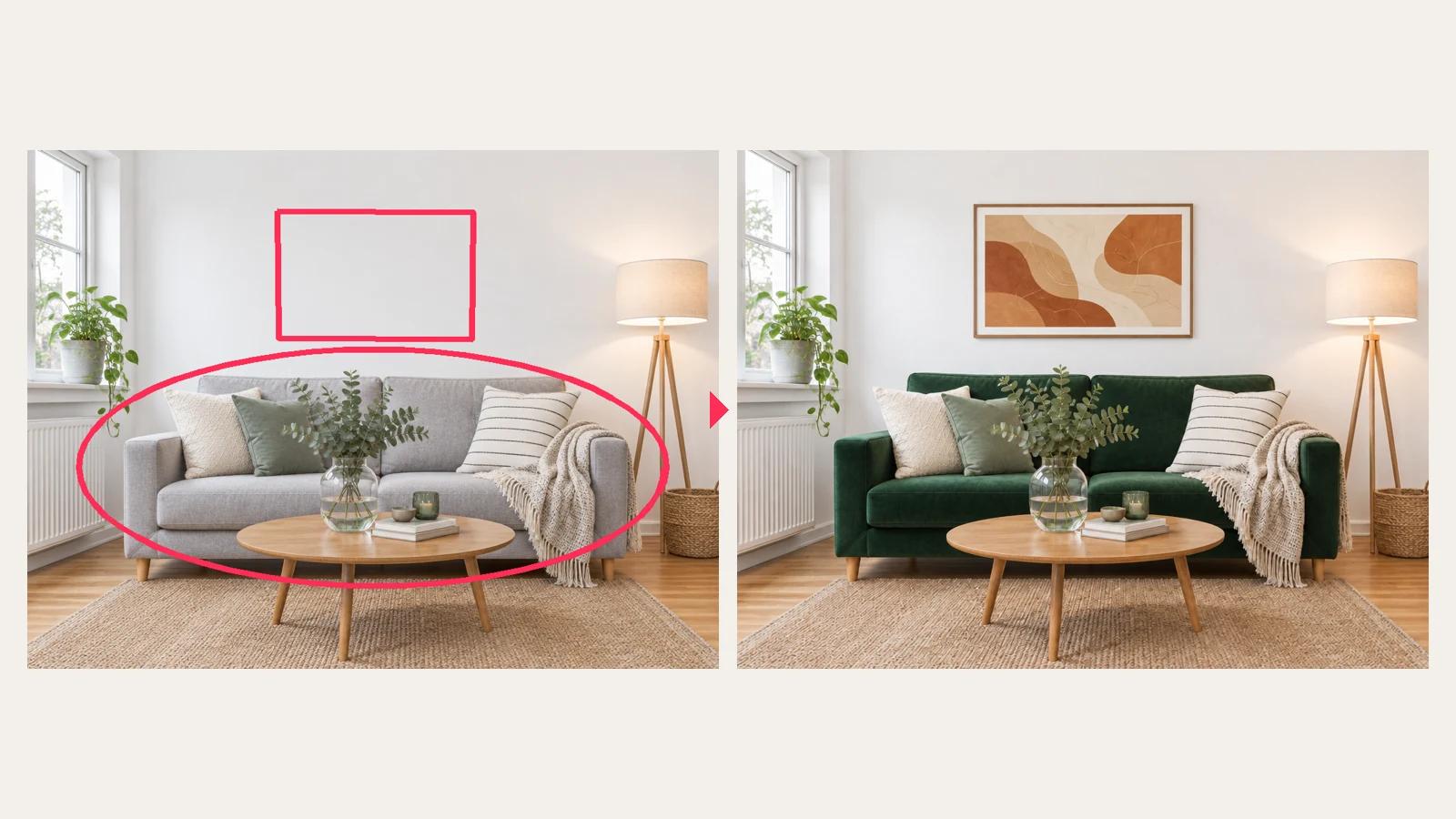
GPT Image 2.6 Inpainting & Markup Tutorial: Change One Thing, Keep Everything Else (Products, Signs, Photobombers)
GPT Image 2.6's Mark up / select area tool lets you paint the region to redraw, or draw circles and boxes as instructions. Five real before-and-after tests show when to use a selection, when to use markup, and the one phrase that makes a selection work.

GPT Image 2.6 SVG Tutorial: Generate Editable Vector Icons, Logos and Flat Illustrations with AI
GPT Image 2.6 can output SVG files that scale without blurring and open in Figma, Illustrator or a code editor. Six real tests show what works as SVG, how to write the prompt, and which images turn into a mess.
Featured Online Image Tools
Free tools to keep working on your generated images
Images to Video
Image Compressor
Frequently Asked Questions
Still have questions? Email support@image-2.net — we reply within 1 business day.